AI comics
How to Make a Comic Book with AI: Story, Panels, Lettering
A focused first-page exercise with practical review points at each stage, from character notes to the final file.
Choose a small page you can finish
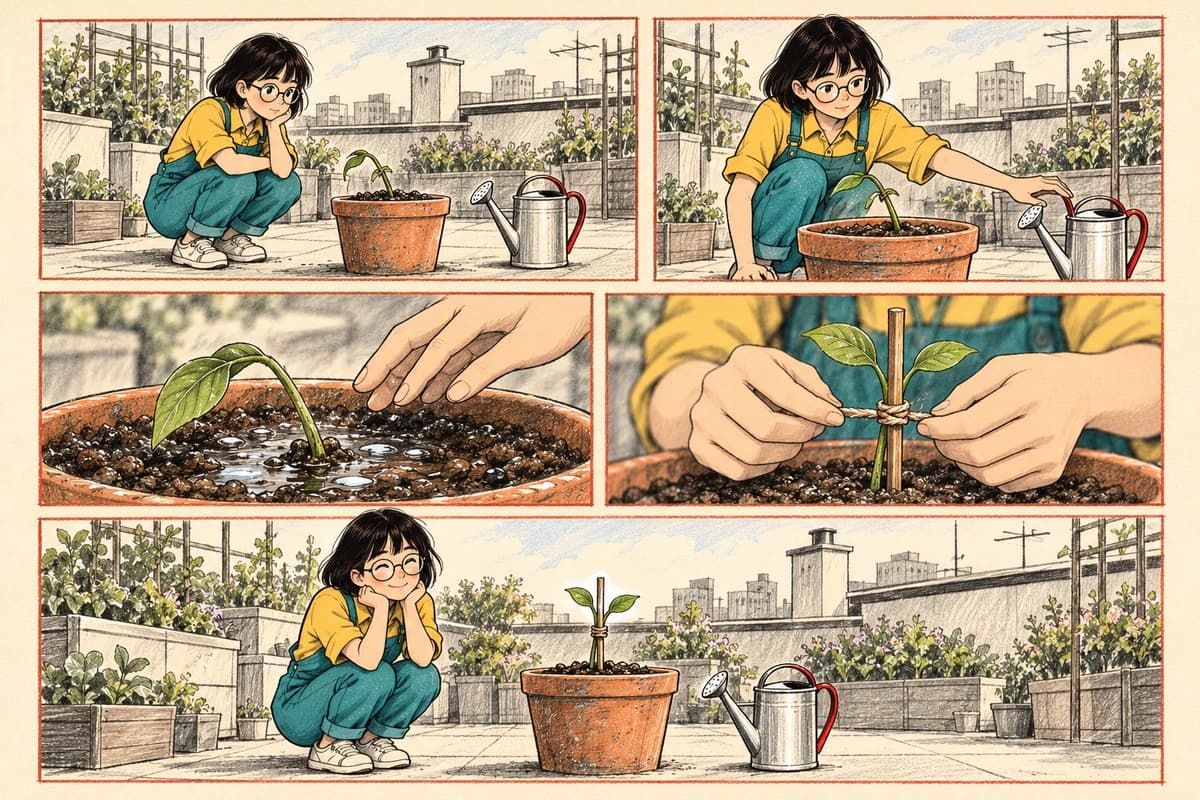
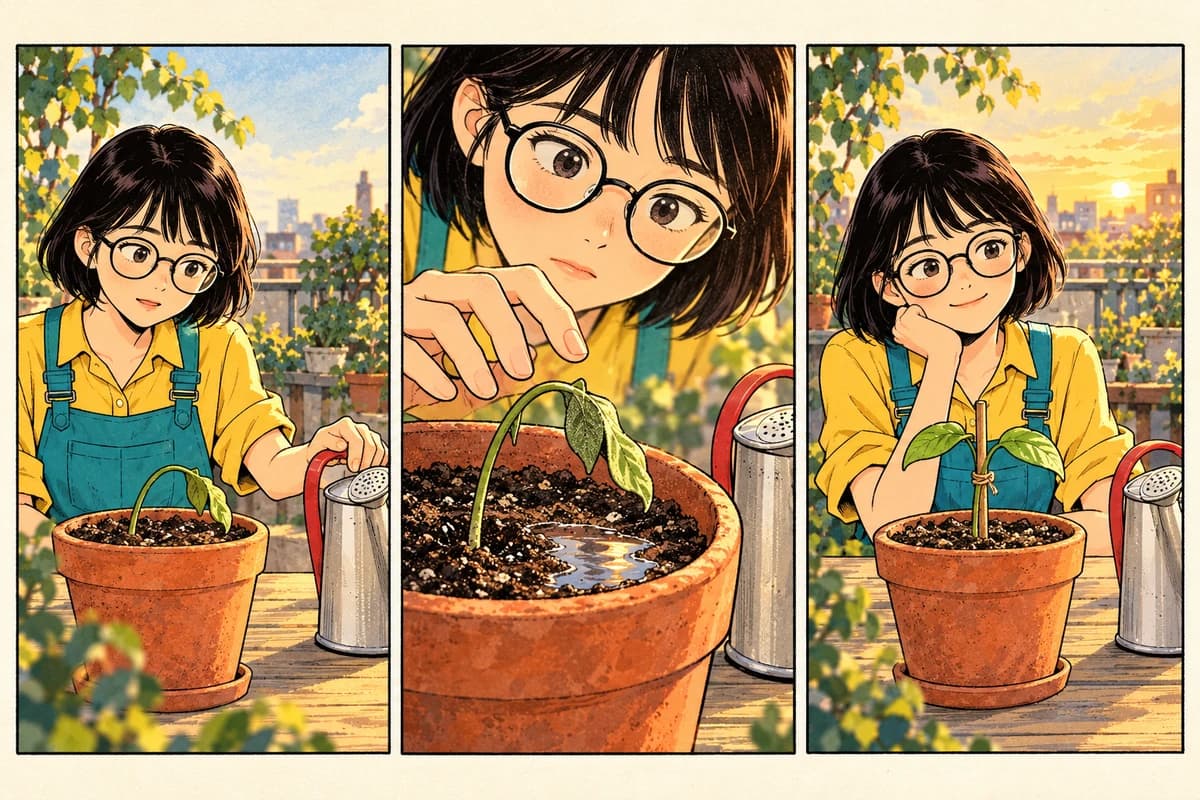
For a first AI comic, choose one location, one central character, and one visible problem. A small scope makes it easier to notice whether the pictures tell the intended story. Try a rooftop gardening scene: Mina sees a leaning seedling, starts to water it, notices the soil is already wet, and uses a support instead.
Set a concrete finish line: one page that reads clearly and an exported file you have opened and inspected. Treat the example as a practice script rather than a promise that a model will reproduce a particular drawing. You will make editorial choices throughout the process.
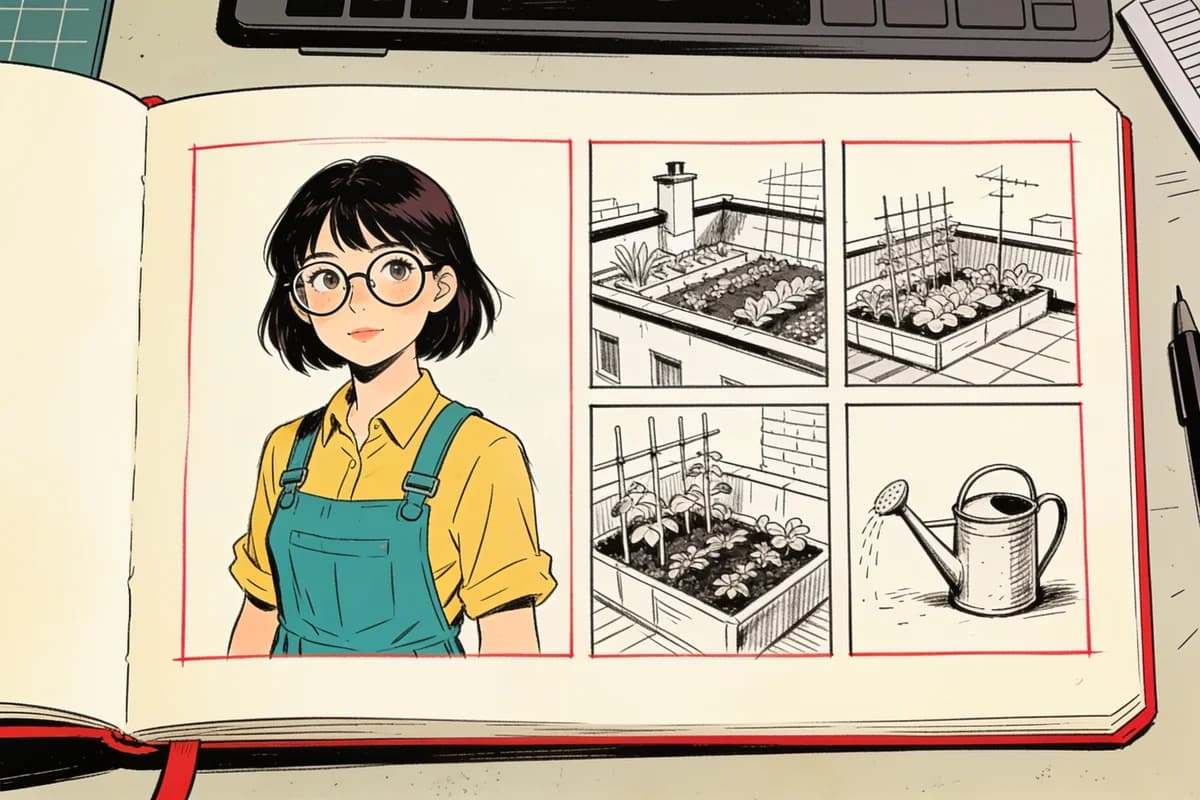
Prepare the story and character notes
Write the beginning, the change of plan, and the result. Add stable visual details for Mina: short dark hair, round glasses, yellow shirt, and teal overalls. Describe the rooftop, pot, and watering can briefly. Keep these notes available as you review later images.
Separate dialogue from image descriptions. “A hand pauses above wet soil” is useful visual direction; the exact line “Wait… it already has enough” can be placed in a bubble during composition. For help making the story concrete, use the one-page comic writing exercise.
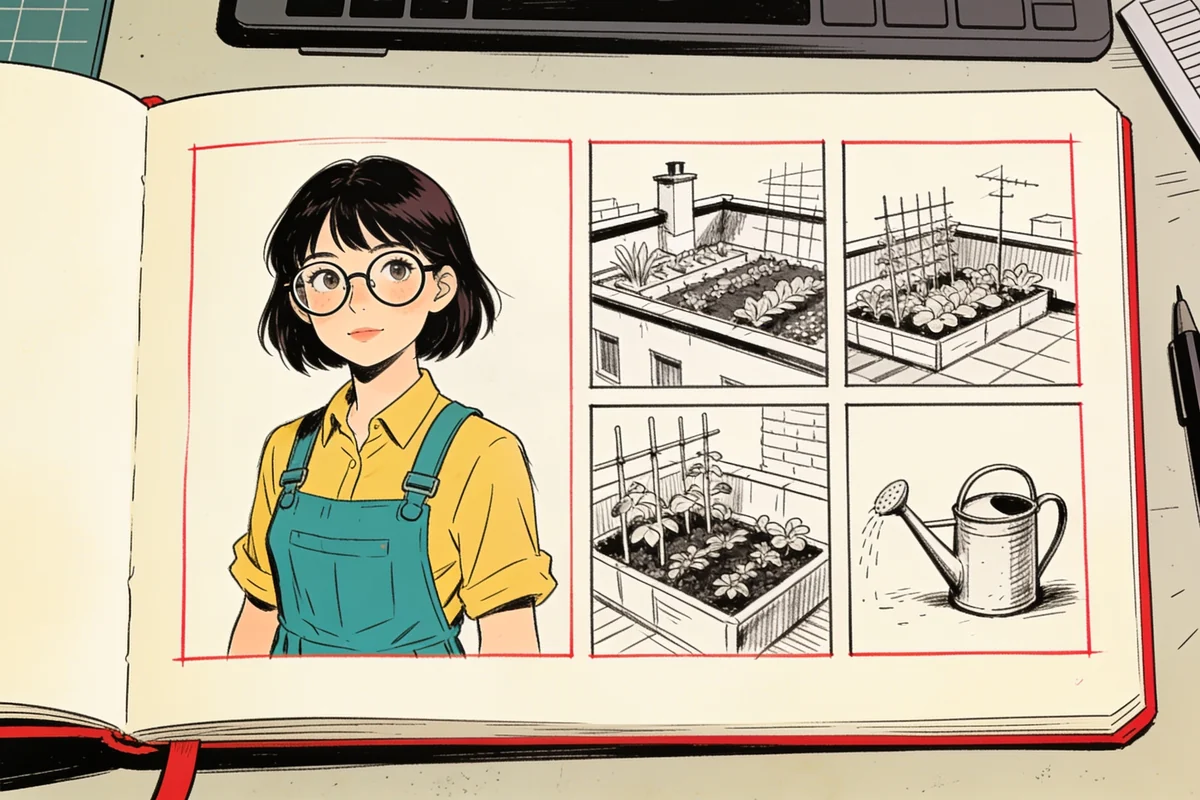
Edit the storyboard before confirming shots
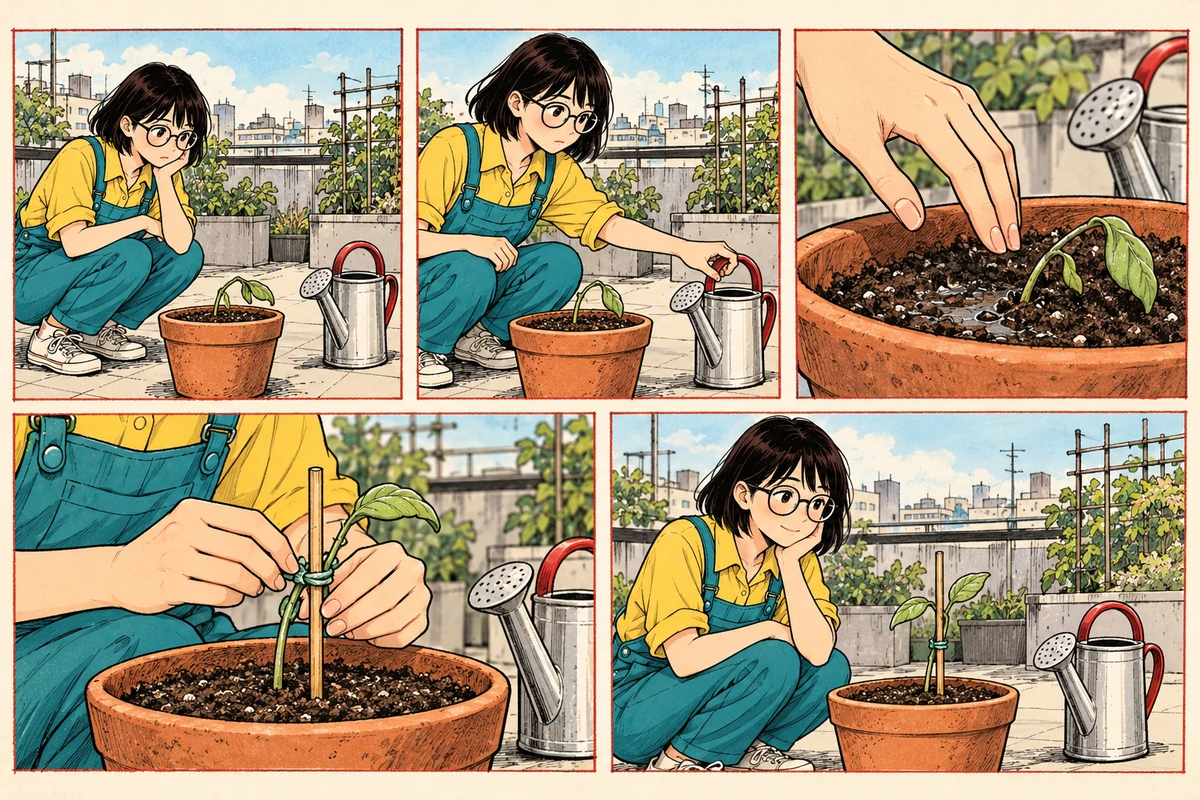
Review the storyboard as a sequence, not just a collection of attractive scenes. Give each panel one main action. Split “places a support and walks away” if both actions need to be shown. Check that the clue appears before the decision it causes.
Make image descriptions explicit enough to review: where the character stands, what their hands do, which prop matters, and what must remain visible. Confirm the shots after those descriptions make sense. The panel-planning guide provides a five-panel example and a continuity checklist.
Choose a model and review the quote
In KOMI's creation workflow, choose the image model when you are ready to generate panels. Use the options available in the interface and review the quote before starting. Do not assume a remembered model name or a previous quote applies to the current selection.
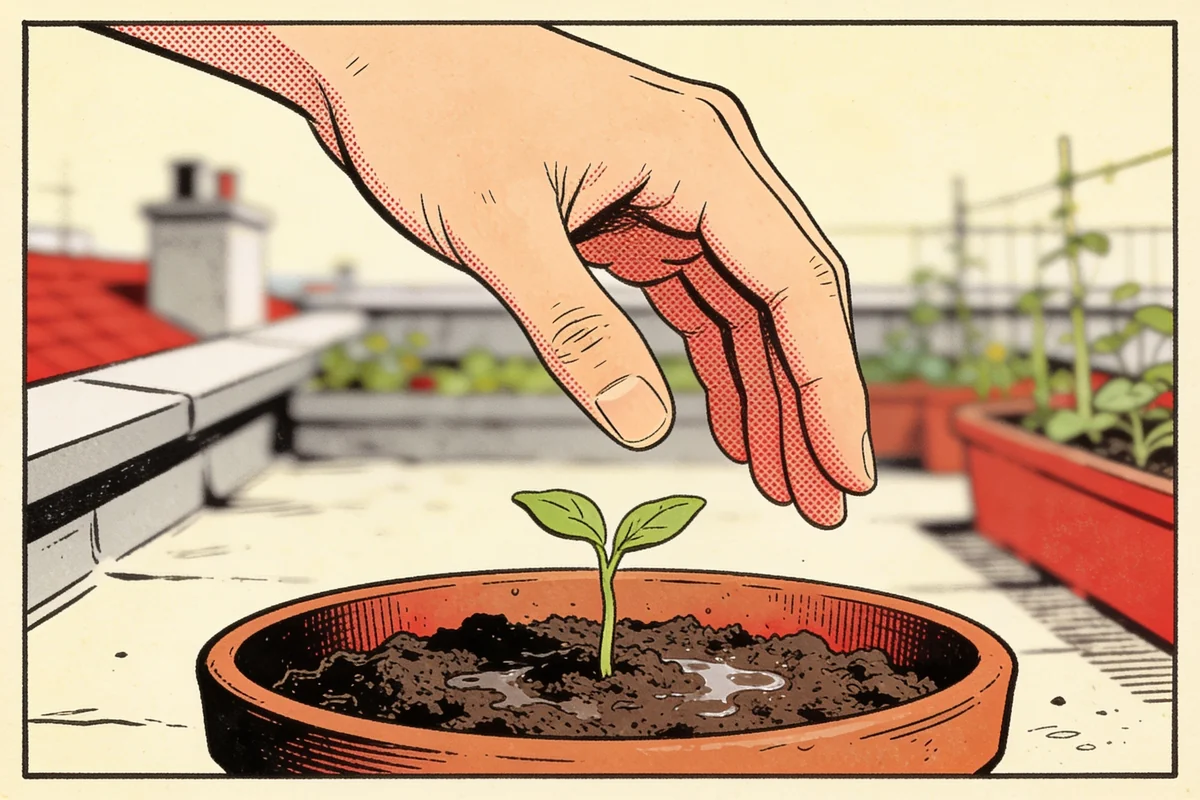
Start with a panel that tests the difficult part of your story: for this exercise, Mina's hand near the pot and the wet-soil clue. Judge whether those details communicate the action. A beautiful image that hides the clue will still make the sequence confusing.
Review panel results against the plan
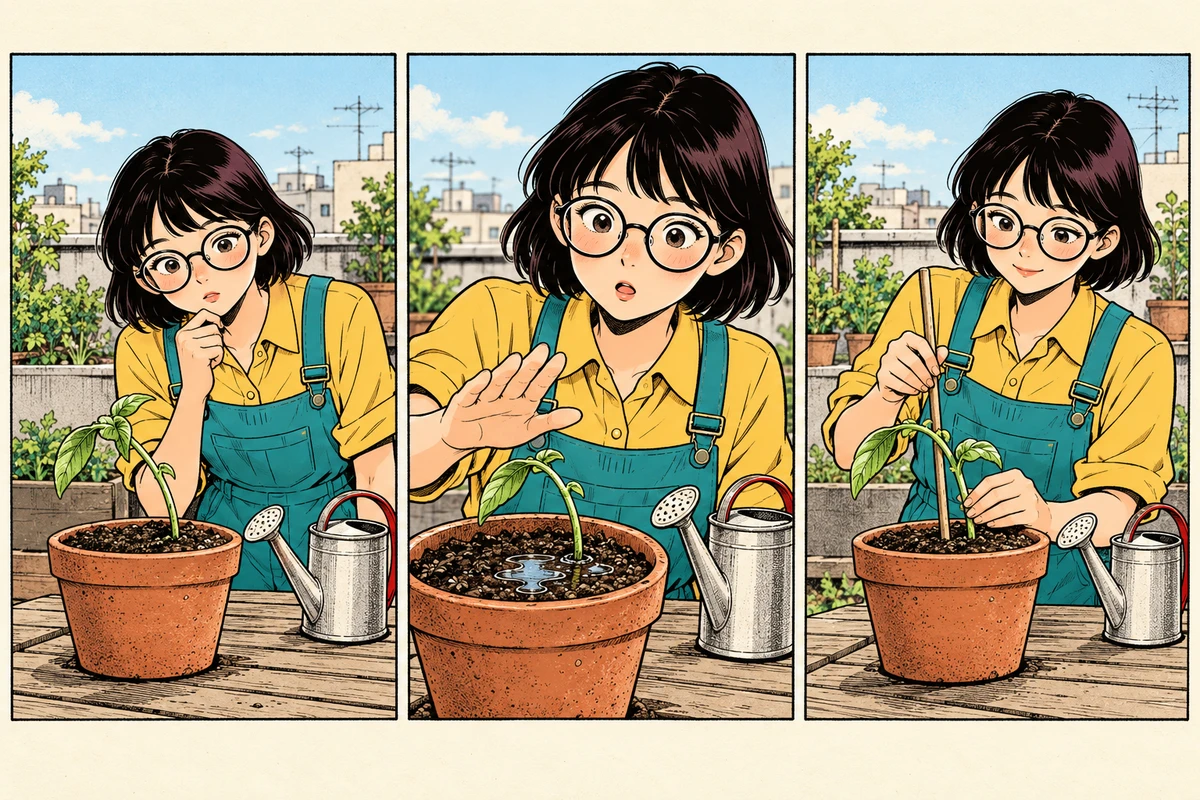
Compare each result with its storyboard description and its neighbors. Look at glasses, clothing, pot shape, hand position, and the direction of the character's gaze. When a panel misses its purpose, clarify the relevant description before generating another version. Change a specific instruction instead of adding unrelated adjectives.
Choose the panel versions that work together. The most detailed individual image is not always the best fit for the page. Consistent props and a readable action often matter more than extra background detail.
Compose, letter, and inspect the export
Arrange the selected panels into a page, then add dialogue and bubbles. Check the reading order, keep the wet soil visible, and avoid placing text across faces or important hand gestures. Read the page once without dialogue and once with it. Also inspect it at a smaller display size: text that only works while zoomed in needs attention.
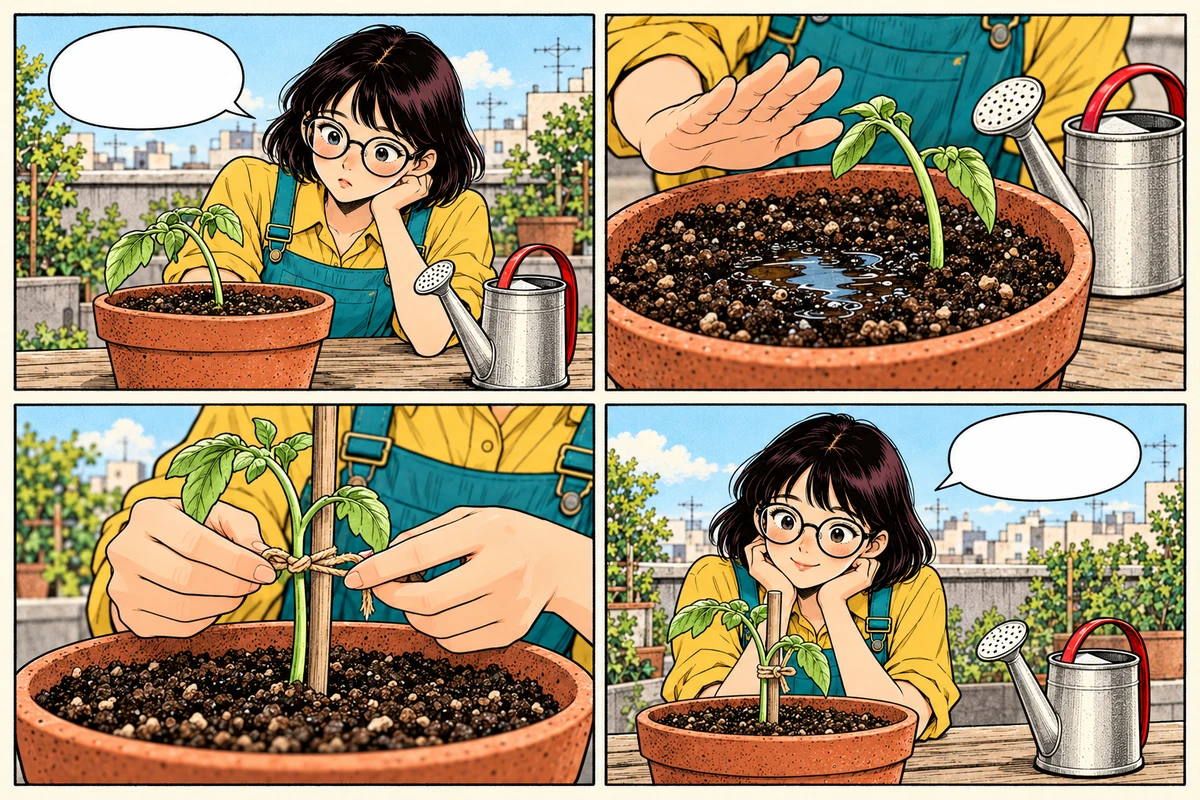
Before calling the page finished, check:
The opening establishes the problem and the ending shows a change.
Each panel advances the sequence with one clear action.
Characters and important props remain recognizable.
Dialogue fits its bubbles and follows the intended reading order.
The exported file opens and contains the complete page without clipped text or panels.
Keep the editable project so you can correct a discovered mistake. Your first finished comic is a useful baseline: note one thing that worked and one thing to improve on the next page.
Common questions about making a comic book with AI
Can AI make a comic book by itself?
No. A model can draw panels, but choosing the story, the order of shots and the final lettering stays editorial work. Treat generation as one stage of the page, not the whole pipeline.
Do I need drawing skills to start?
Not for the first page. You do need to describe actions precisely and judge whether a frame communicates them; those are writing and editing skills, and they improve with each page.