Creator guides
How to Make a Webtoon: Story, Scroll Pacing and Lettering
A practical pass over the parts that decide whether a vertical comic reads well: story units, scroll timing, character consistency and phone-sized lettering.
Start with a story that fits the scroll
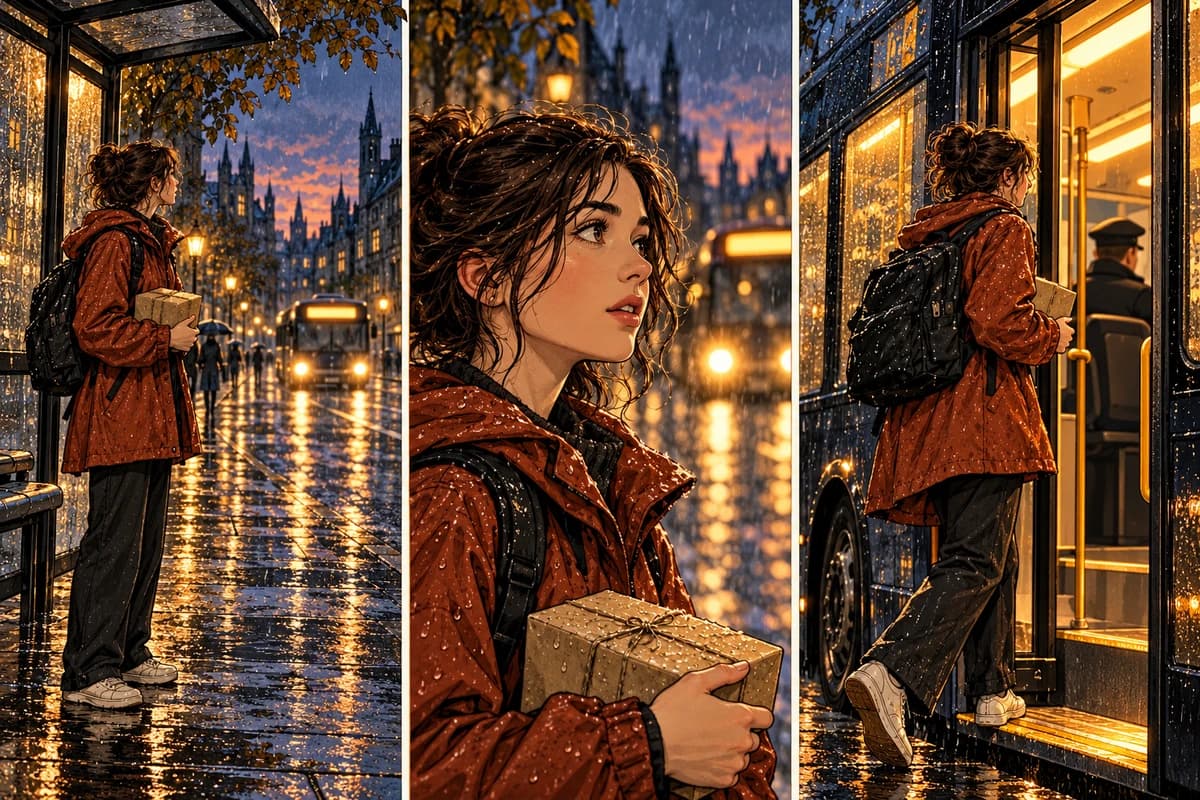
A webtoon is a vertical comic read by scrolling, not by turning a page, so the unit of story is a screen rather than a spread. Write the episode as a chain of moments that each fit one screen, and end the chain with a change the reader can see.
Keep the first episode small: one character, one place, one problem that fits in a sentence. “She misses the last train and asks a stranger for help” gives you more drawable screens than “she feels lost in the city”.
Write one idea per screen
Each screen carries one idea: an action, a reaction, or a piece of information. If a screen needs a paragraph to explain itself, split it. This is the same discipline as panel planning, applied to a narrower canvas; planning comic panels covers the shot logic underneath.
Keep the image note and the dialogue note separate. The image note describes what is visible, the dialogue note carries what is said. Separating them shows you when a screen is held up only by its text.
Pace the vertical scroll
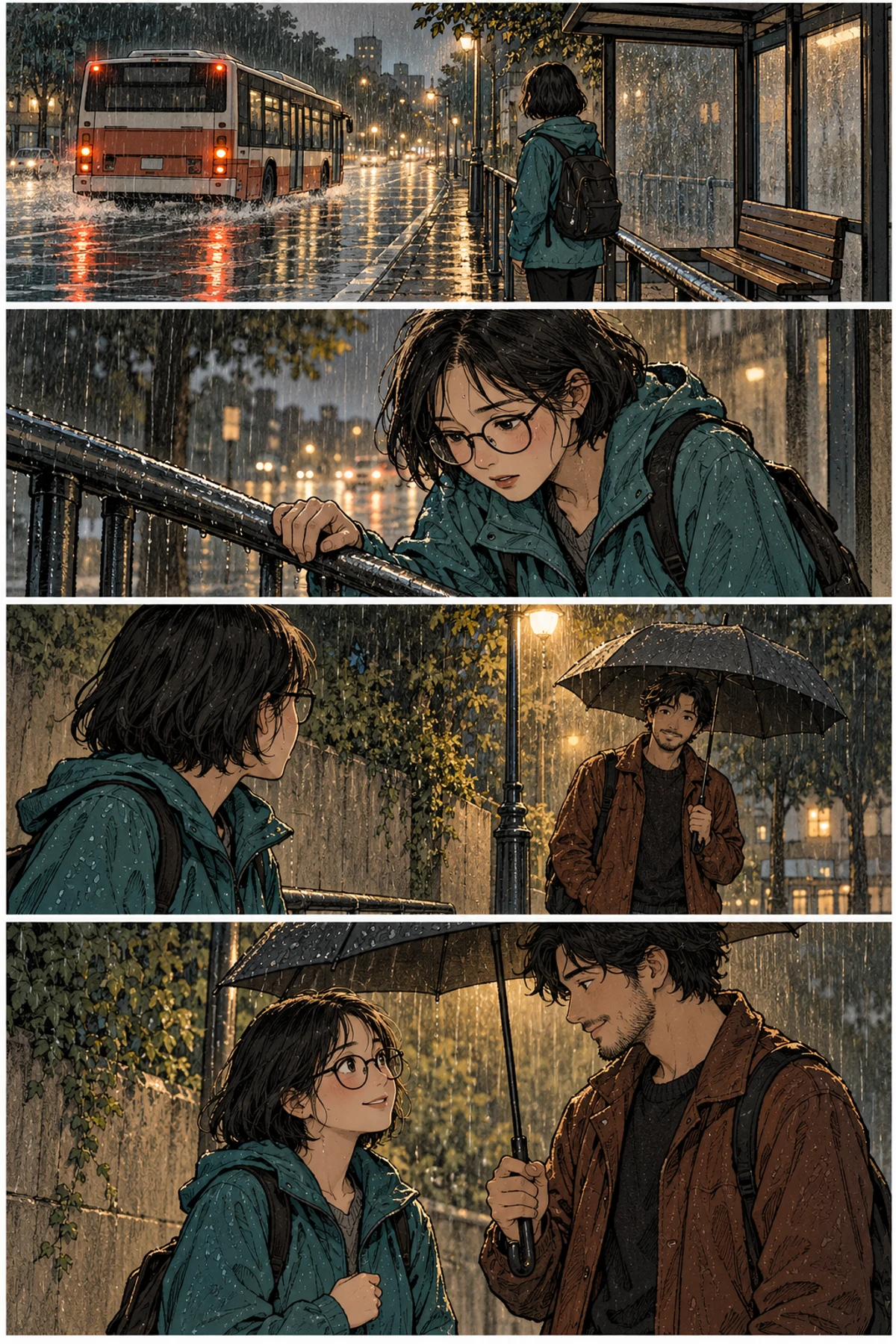
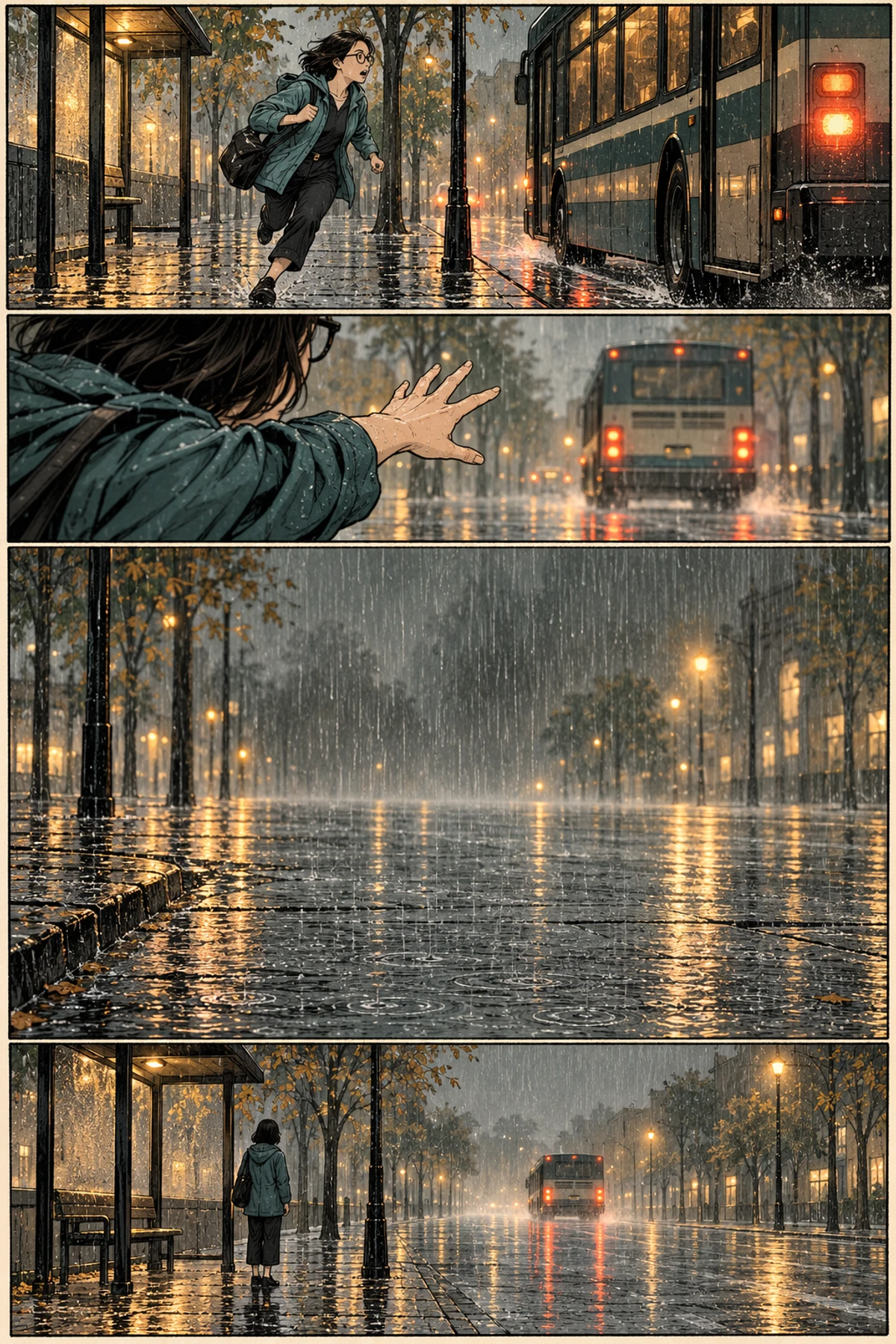
Vertical spacing is your timing. A short gap reads as a quick cut, a long empty stretch reads as a pause. Use both deliberately: a pause before a reveal, a tight stack for a rapid exchange. Avoid long uniform gaps, which flatten the rhythm and push readers to scroll faster than the story wants.
Plan the scroll as one strip rather than as isolated panels. Check it at phone width and notice where a thumb naturally stops. If every screen looks equally important, none of them is.
Keep the character recognizable between episodes
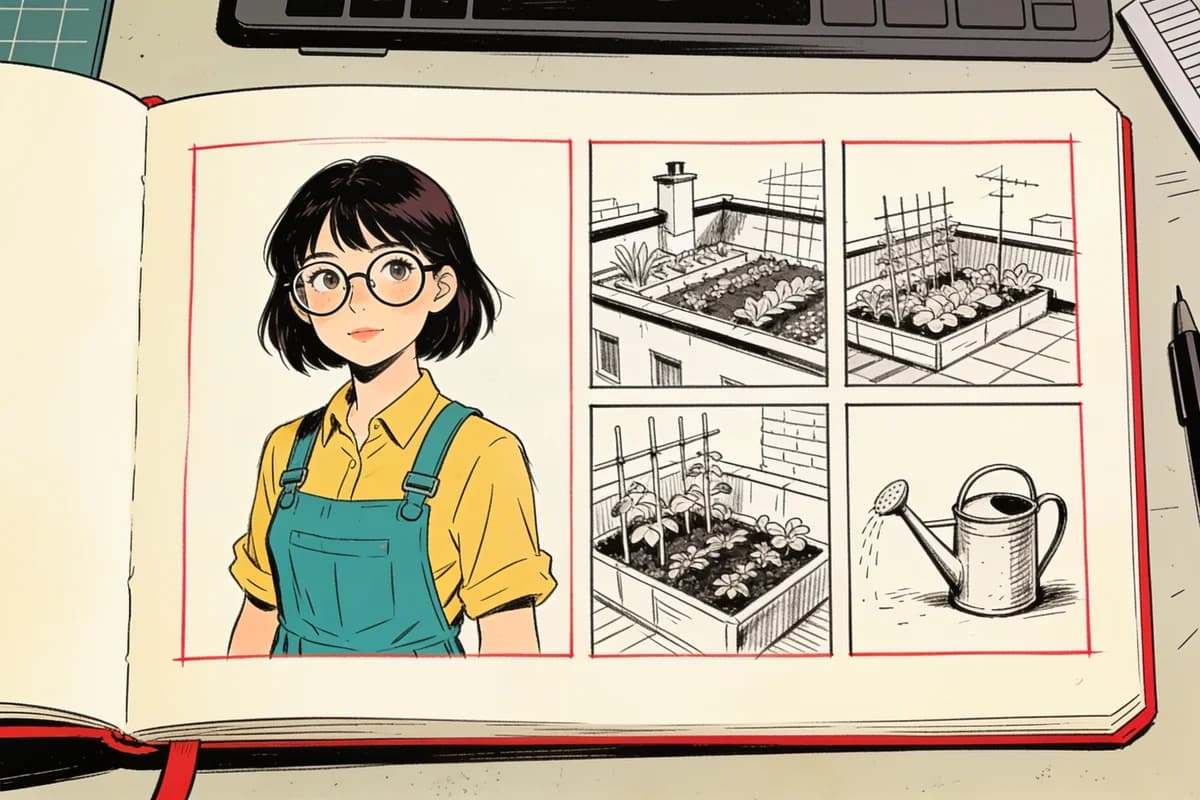
Readers come back for a face. Fix the details you cannot afford to change — hair shape, glasses, a jacket, a scar — and keep them in a character reference you reuse on every screen. The moment a character drifts, the reader has to re-identify them and the episode loses momentum.
Consistency is a production habit, not one perfect drawing: same reference, same proportions, and a comparison between each new frame and the last.
Letter for a phone screen
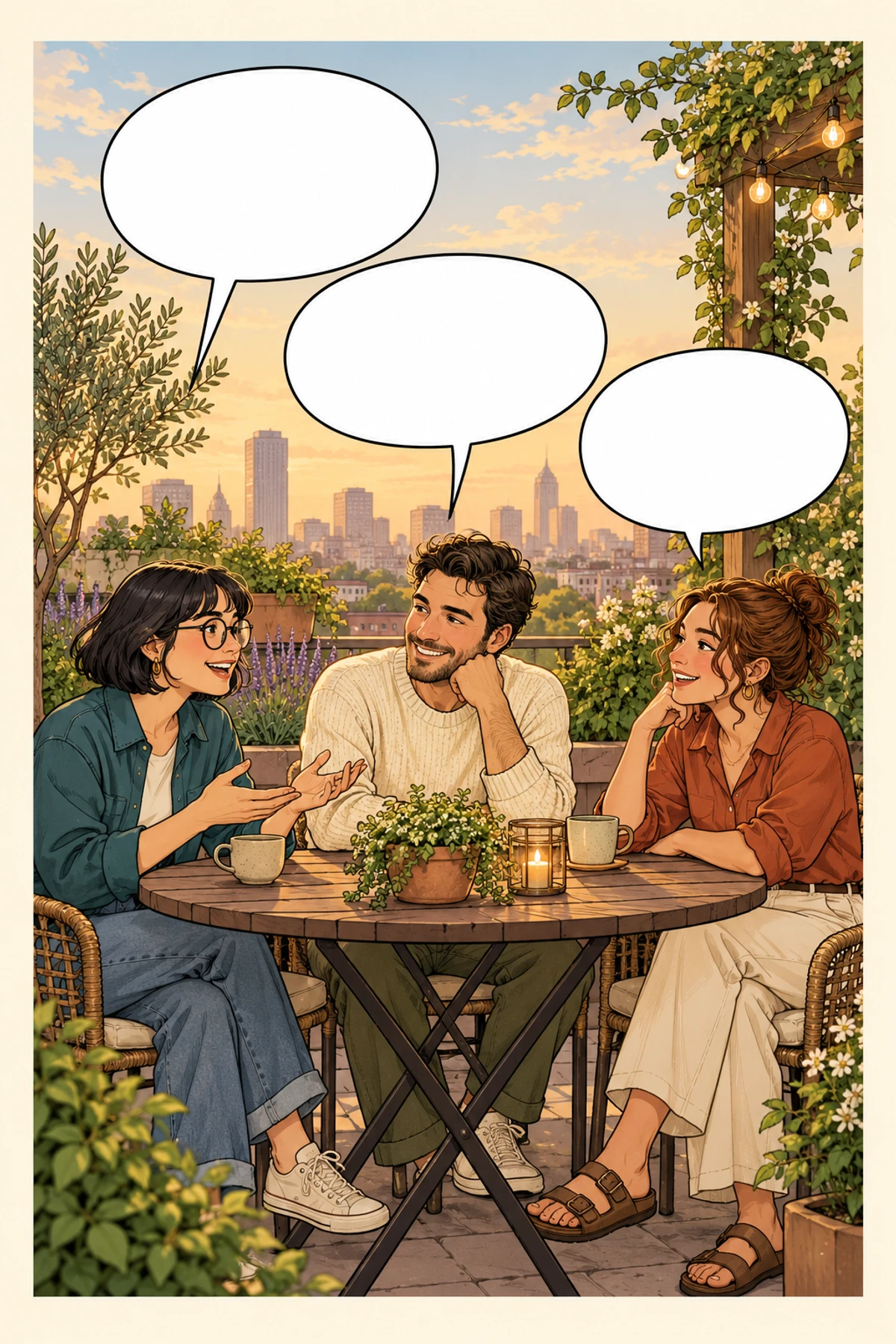
A phone shows less text at once than a printed page. Keep bubbles short, put the tail near the speaker’s mouth, and leave a quiet margin at the edges so a platform interface never covers a line. When a bubble competes with a face, move the bubble.
Read the episode at actual phone size, once without moving and once while scrolling quickly. A line that fails the fast pass is too small or too long.
Check platform rules before you publish
Every platform sets its own image size, episode length and content rules, and those rules change. Check the current guidelines on the platform you actually use rather than a remembered number, and keep each episode inside the canvas it expects.
No webtoon maker decides that pacing for you. Publishing is also a scheduling decision. A steady release is easier to follow than a large batch followed by silence, so prepare the next two episodes before the first one goes live.
Common questions about making a webtoon
Do I need to draw every screen by hand?
No. You can generate frames and keep the story decisions yourself. The workflow in making your first AI comic applies directly: fix the storyboard, generate frame by frame, then letter and inspect the export.
How long should one episode be?
Long enough to deliver one change, short enough to finish in one sitting. Many first episodes work with six to twelve screens; the right number is the one that completes a beat without padding.