Character · KOMI

AI Character Generator — One Character Across Every Panel

A recognizable character starts with a clear brief. Save appearance, wardrobe and reference images as a character version, reuse it in later shots, and review the generated details before choosing a result. Treat it as an AI character description generator that holds a face steady, not a portrait toy.

Make room for your next story

0 / 4,000

Your text carries into the editor. Sign in to choose references, a model and a credit quote before generating.

Character
Visual studyCharacter

Review the credit cost before generating, then choose how to create. Pricing

More control over the story you want to tell

Character brief
An adult traveling botanist, 28, with short dark curls, round glasses, a mustard jacket and a canvas satchel. Calm but observant. Establish a clear front view and a three-quarter view, then explore a raincoat variation while keeping the same face.
Planning example · not a generated result
01 / Character

Design the person before the pose

Specify age, silhouette, hair, clothing and one or two distinctive details. Add a personality trait that can influence expression rather than a long biography. A focused brief makes it easier to compare candidate images and choose a design that will survive close-ups and distant shots.

Explore this format
Reference review
Character
  • Face and silhouette
  • Outfit and props
  • Lighting and color
Compare before reusing
02 / Character

Build references you can inspect

Use a clear front or three-quarter view to establish facial proportions and wardrobe. Keep expression references separate from the primary appearance. Inspect accessories and hands in each candidate; a visually appealing portrait is not automatically a reliable production reference.

Explore this format
Character brief
An adult traveling botanist, 28, with short dark curls, round glasses, a mustard jacket and a canvas satchel. Calm but observant. Establish a clear front view and a three-quarter view, then explore a raincoat variation while keeping the same face.
Planning example · not a generated result
03 / Character

An outfit is a variation, not a new person

Treat a coat, performance costume or hairstyle change as a look attached to the character. Keep identifying facial details in the brief and reference images. Compare the variation with the original before using it, especially when a model changes age, proportions or accessories.

Explore this format
Reference review
  1. 01Front view · curls, glasses, satchel
  2. 02Three-quarter view · same face
  3. 03Raincoat variation · same person
Planning example · not a generated result
04 / Character

Carry a chosen version into the story

Choose an approved reference version when adding the character to a project or shot. Later edits to the library do not silently replace that choice. Review new generations for continuity: version binding preserves your reference decision, while image quality still needs a creator's judgment.

Explore this format

One idea. More ways to bring it to life.

01

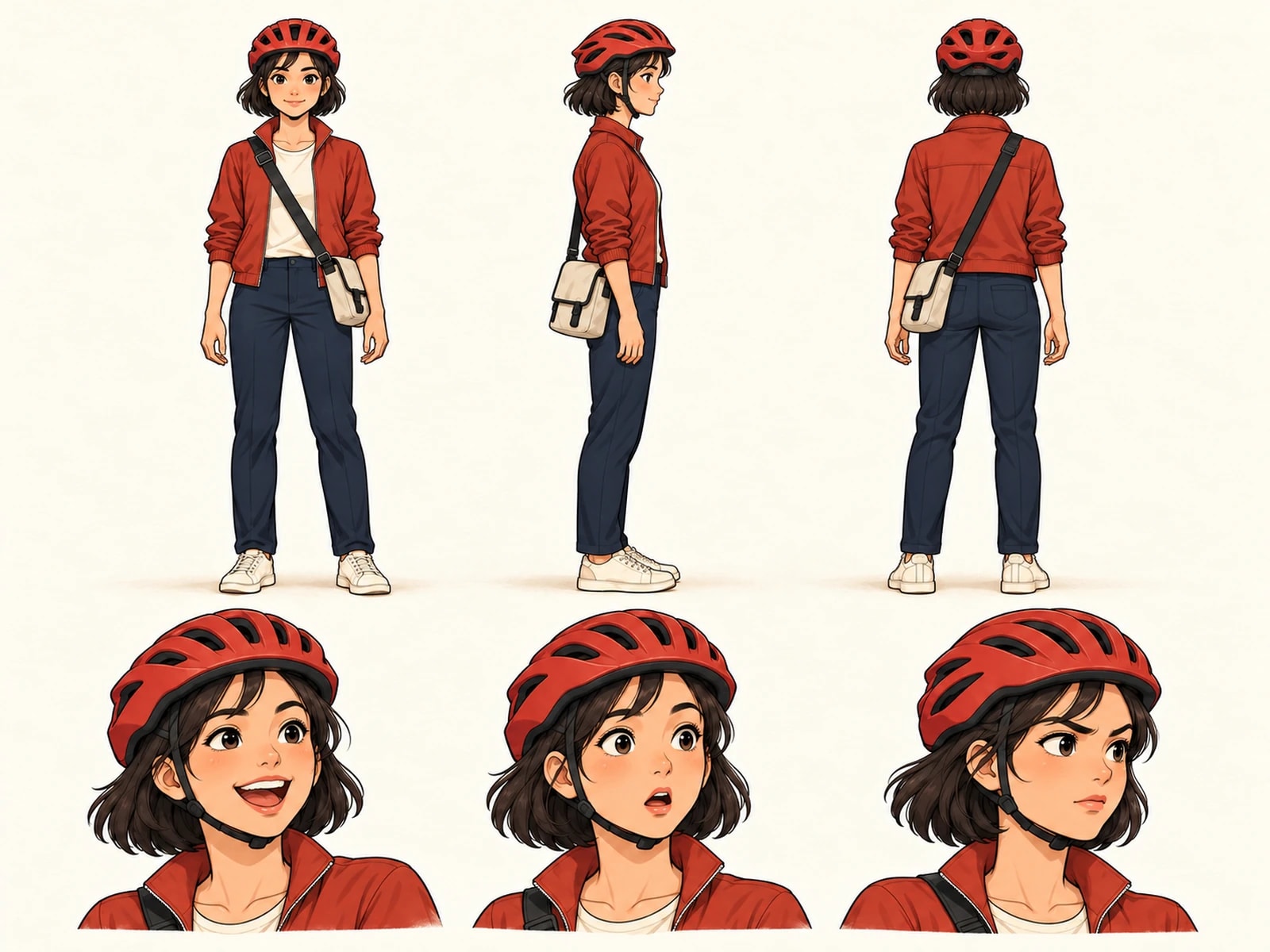
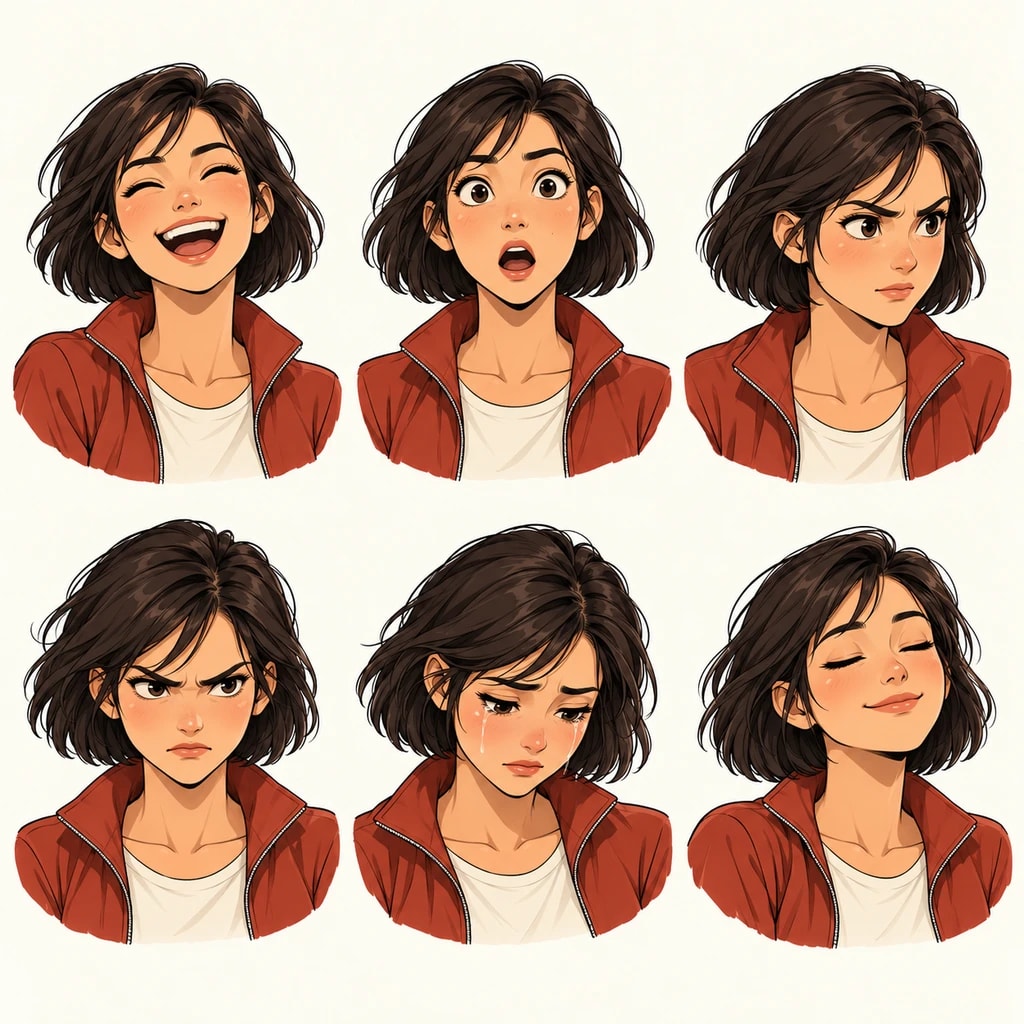
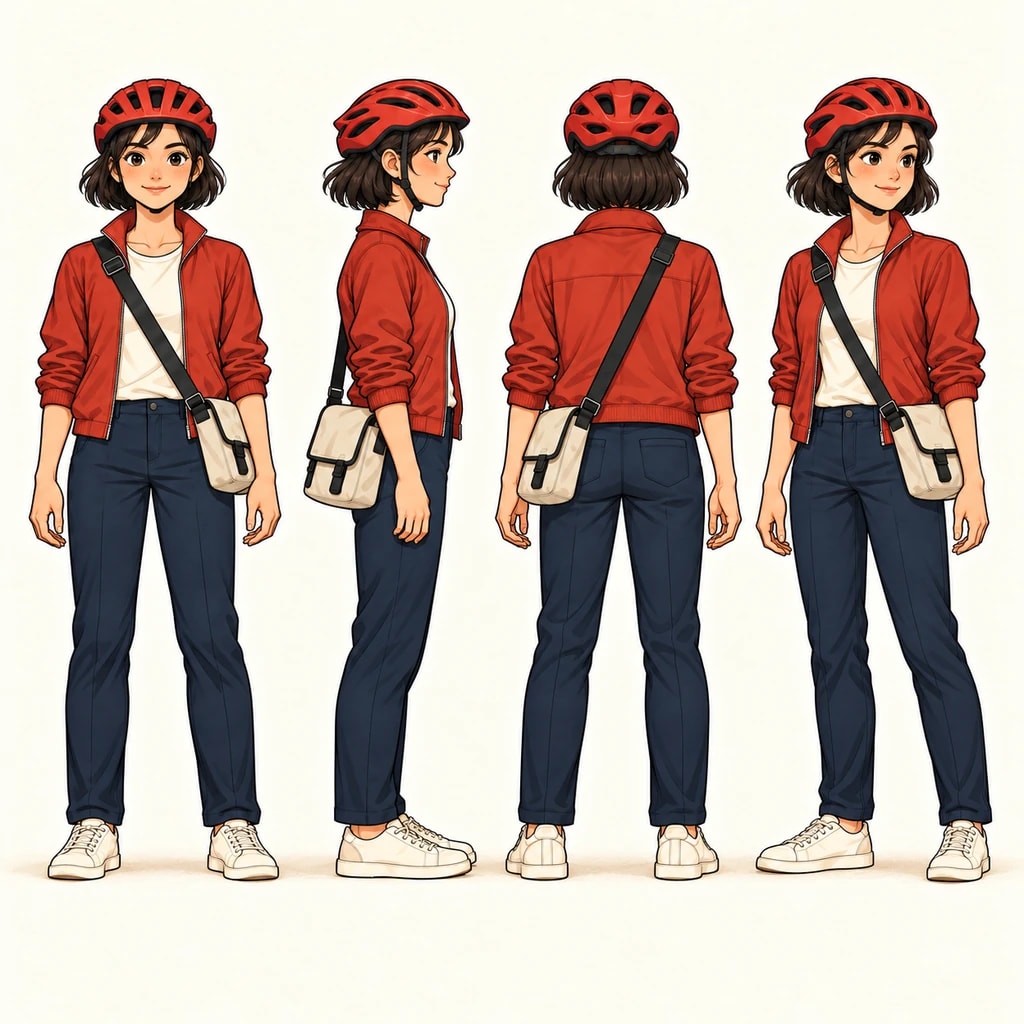
Series bible sheet

Front, side, back and expressions as the reference for the whole series.

Explore this format
02

Outfit versions

Keep uniform, casual and rain gear references separate. Check each outfit against the same character brief for facial features and proportion.

Explore this format
04

Crossover test

Drop the same character into a new setting to test proportion and style before committing.

Explore this format
05

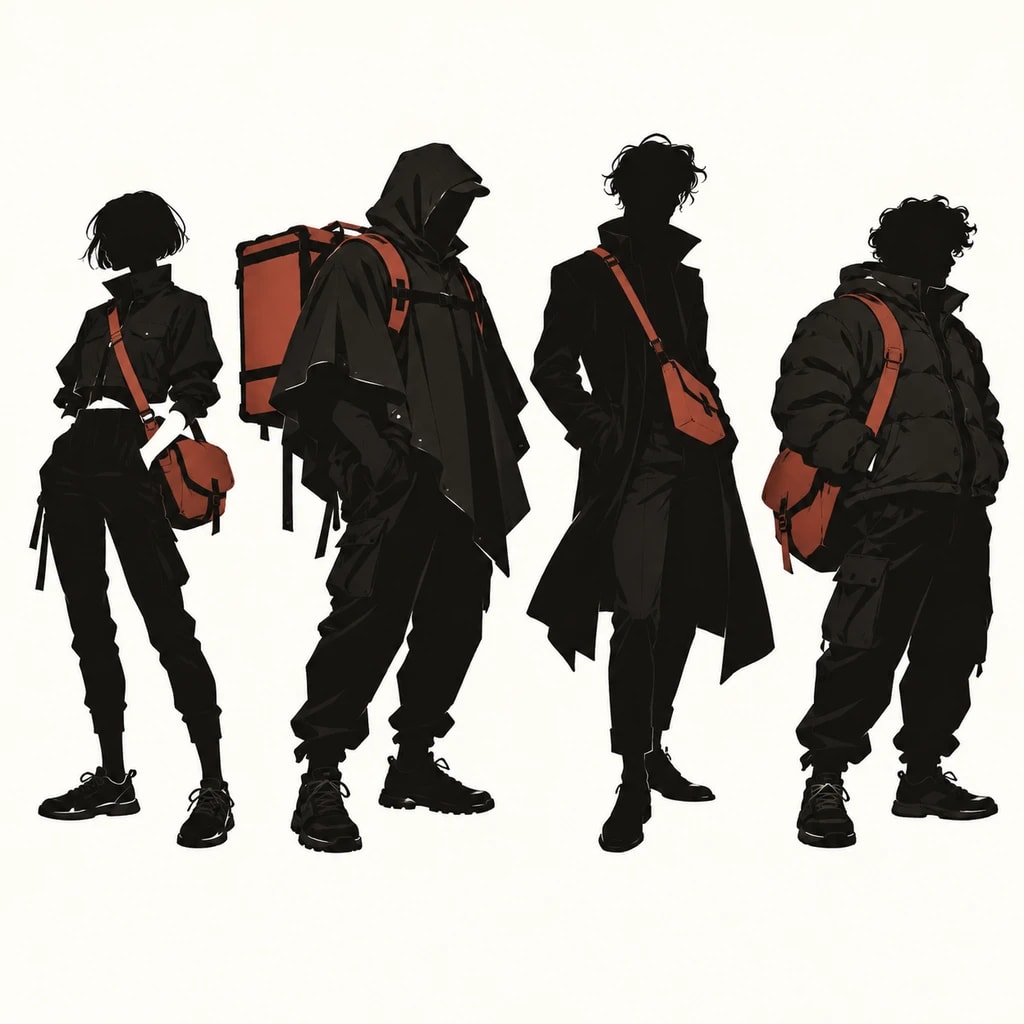
Character pair study

Compare height, palette and posture across two characters, then use the study as a reference when planning shared shots.

Explore this format
Character sheet

A character sheet generator that survives the whole series

A character sheet is not a one-off illustration: it is the contract for every later panel. If the sheet and the page disagree, readers notice the face before they notice the story.

Here the sheet is generated from the same character version the panels use. Front, three-quarter, profile and expression views are bound to that version, so a new episode or a new project starts from the same design.

Generate a character sheet
  • One version, many viewsFront, three-quarter, profile and expressions come from a single locked version.
  • Outfits are versions tooA costume change opens a new look; the face and proportions stay.
  • Reusable across projectsCharacters live outside a project, so a series bible survives the first book.

From the first idea to a page worth sharing

  1. Character brief
    An adult traveling botanist, 28, with short dark curls, round glasses, a mustard jacket and a canvas satchel. Calm but observant. Establish a clear front view and a three-quarter view, then explore a raincoat variation while keeping the same face.
    Planning example · not a generated result
    01

    Shape the idea

    Describe a scene, import your manuscript in the editor, or define a character. Add the references that matter to your story.

  2. Reference review
    1. 01Front view · curls, glasses, satchel
    2. 02Three-quarter view · same face
    3. 03Raincoat variation · same person
    Planning example · not a generated result
    02

    Direct the shots

    Review the storyboard, choose a model and check the quote. Generate and compare panels; retry the ones that need another pass.

  3. Reference plan
    1. 01Front view · curls, glasses, satchel
    2. 02Three-quarter view · same face
    3. 03Raincoat variation · same person
    Planning example · not a generated result
    03

    Make it a page

    Arrange the approved artwork, edit bubbles and text, and preview the finished page before exporting. Character references can be reused in a project.

Made for creators who keep creating

Keep your direction

Edit shot order, action and dialogue before committing to the final artwork.

Refine one panel

Try another candidate for a shot while keeping the panels you already approved.

Bring your cast back

Choose a reference version for each project or shot, then review the result for continuity.

Words stay editable

Adjust dialogue, bubble shapes and placement without regenerating the underlying artwork.

A few details that make a better page

Versions, not copied prompts

Rewriting a character's appearance into every prompt means describing a person from scratch each time, and drift is inevitable. KOMI turns characters and looks into versions: a version holds appearance, wardrobe and references, and frames cite the version instead of restating it.

When to fork a version: a costume change, an age change or a style change each deserve a new version instead of editing the old one. Old versions stay for comparison and rollback; deleting a project handles its assets under the retention policy.

References
Upload references and bind them to a character version
Versioning
Characters and looks version separately and stay revertible
Reuse
A character can be reused across projects

Character · Questions

How is consistency maintained?

Appearance, wardrobe and references bind to a character version, and frames cite that version instead of restating it. Every panel reuses the same features.

Can I upload reference images?

Yes. References bind to a character version and travel with it into generation. Replacing them updates the version.

Does a look belong to the character or the panel?

The character. One character can hold several looks and each frame picks one, so a costume change never means editing every panel.

Can I reuse a character in another project?

Yes. Characters and looks live independently of a project and can be cited by a new one. Deleting a project does not delete the character.

How do I keep a character consistent across panels?

Bind appearance, wardrobe and references to a character version, then cite that version in every frame instead of describing the character again. A costume change opens a new look.

Does it generate a character sheet I can reuse?

Yes. A character version doubles as a character sheet generator: front, three-quarter and expression views stay bound to the version, so the same design can be reused across projects.

Before you begin

  • It does not generate a whole chapter at once: one page at a time, frame by frame, so nothing needs a full redo.
  • It does not train models: generation uses the server catalog's models and versioned prompts, never personal training.
  • It does not bypass content policy: models may refuse a prompt, and refused tasks refund their credits.

Your next page starts with an idea.

Start small. Shape the shots. Make something you want to share.

Create a comic

Updated