Webtoon · KOMI

Webtoon Creator — Vertical Episodes, Panel by Panel

A webtoon is not a comic page stretched tall. It paces pauses, hooks and breathing room for scrolling. KOMI lets you fix the storyboard and vertical rhythm first, then generates colour frames one at a time.

Make room for your next story

0 / 10,000

Your text carries into the editor. Sign in to choose references, a model and a credit quote before generating.

WebtoonLook up.
Visual studyWebtoon

Review the credit cost before generating, then choose how to create. Pricing

More control over the story you want to tell

Storyboard notes
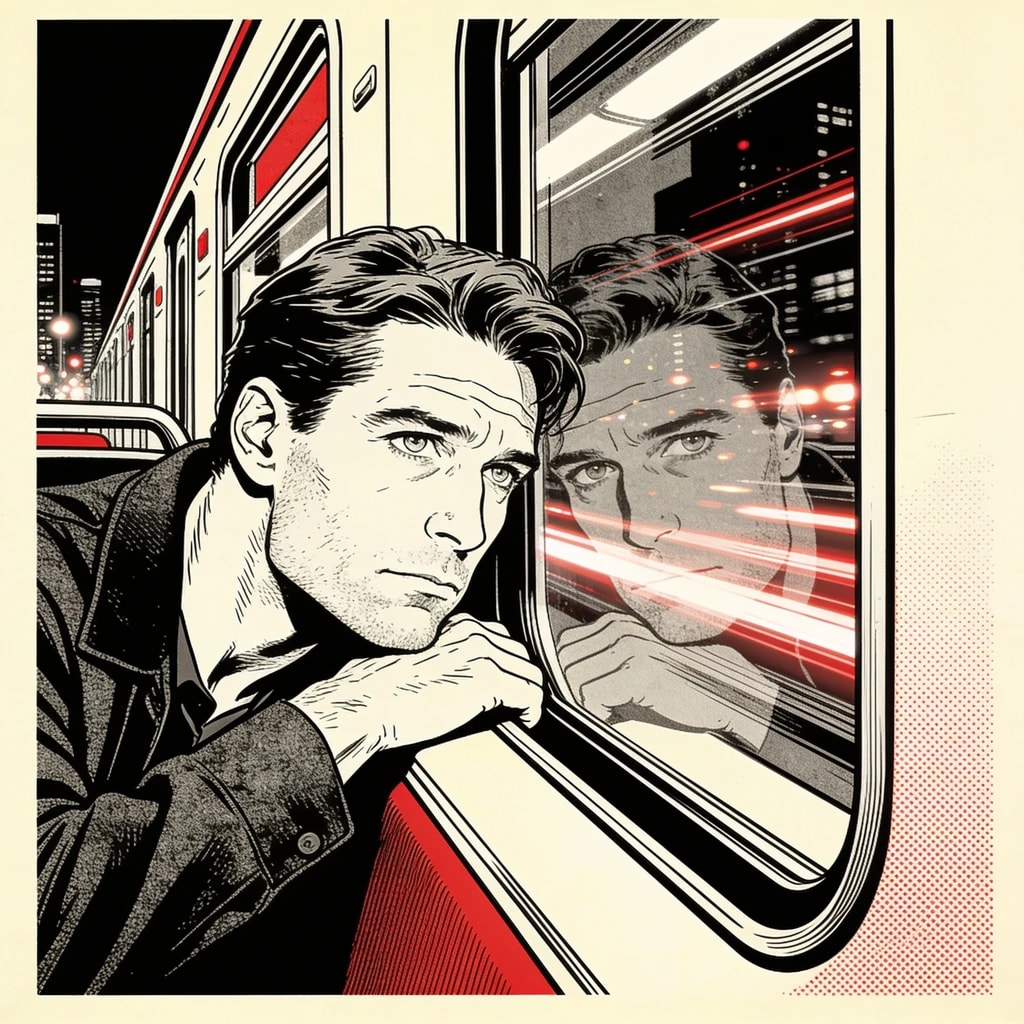
  1. 01The last train has gone
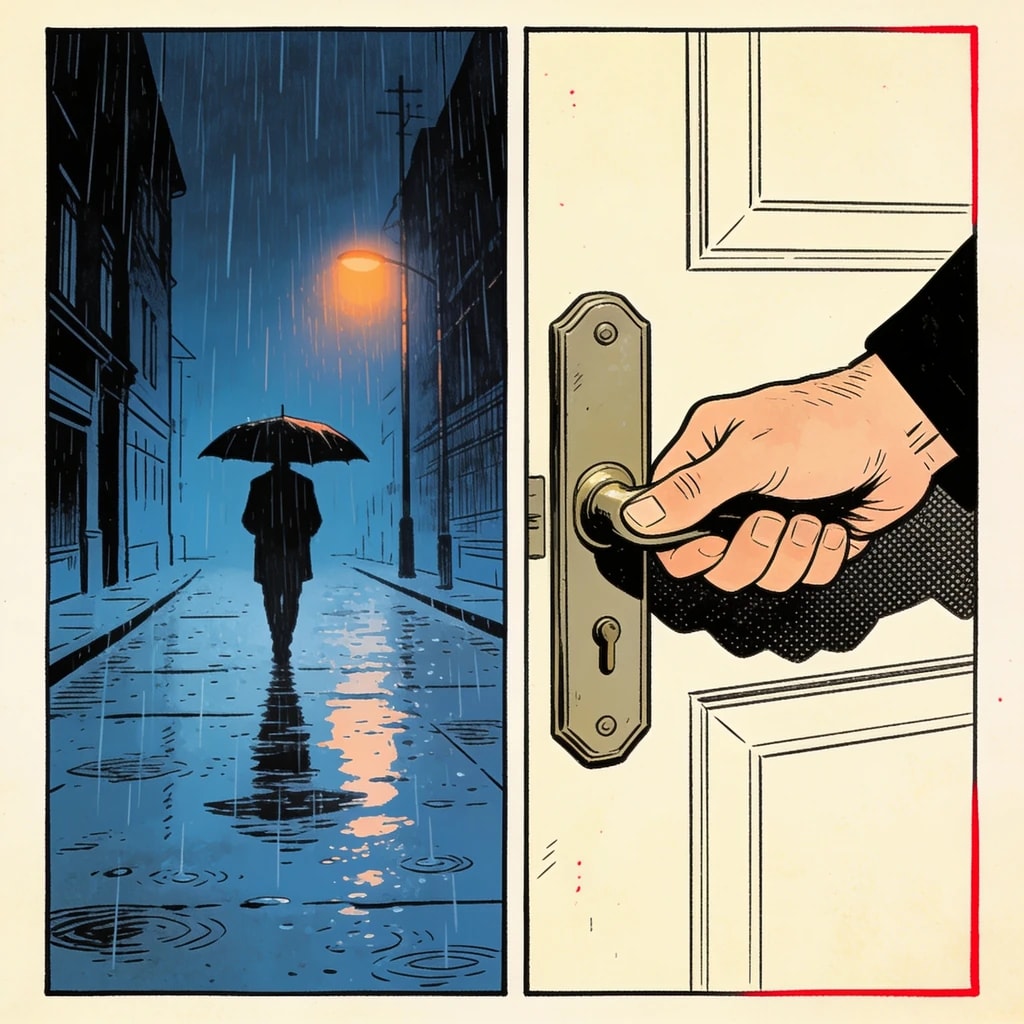
  2. 02A lit window across the tracks
  3. 03A message from that room
Planning example · not a generated result
01 / Webtoon

Write for the next scroll

Give each shot one clear job: establish a place, reveal an expression or introduce a new question. A short episode is easier to shape when every beat earns its position. Edit the shot order before generating images, keeping the final hook separate from the setup.

Explore this format
Reference review
A vertical reading study
  • Face and silhouette
  • Outfit and props
  • Lighting and color
Compare before reusing
02 / Webtoon

Keep color and references together

Describe the time of day, palette and light in addition to the character. Reuse the same references through the sequence. Check neighboring panels together: a beautiful individual image can still break continuity if the location, costume or light changes unexpectedly.

Explore this format
Page plan
  1. 01The last train has gone
  2. 02A lit window across the tracks
  3. 03A message from that room
Space gives the reveal time
03 / Webtoon

Control the pause before the reveal

A reveal needs contrast with what came before. Follow an establishing view with a tighter detail and leave breathing room around important dialogue. Compose the approved panels with the available layouts, then inspect how the story reads when the page is viewed vertically.

Explore this format
Leave space for the words
Editable dialogue
Artwork layer

A message from that room

Planning example · not a generated result
04 / Webtoon

Read it at phone size

Review small faces, dialogue size and bubble placement at a narrow width. Edit text separately from the artwork, so shortening a line does not require a new image. Export the finished pages and check your publishing platform's dimensions and upload rules before release.

Explore this format

One idea. More ways to bring it to life.

01

One episode

Fifteen to twenty-five stacked frames with hooks and pauses placed for scrolling.

Explore this format
02

Teaser

Three to five frames that establish the character, the conflict and the hook in one vertical image.

Explore this format
03

Cover thumbnail

A separate thumbnail crop that keeps faces and title text inside the safe area.

Explore this format
04

Character intro

Two or three frames that establish look, temperament and relationships from the same character version.

Explore this format
05

Cliffhanger ending

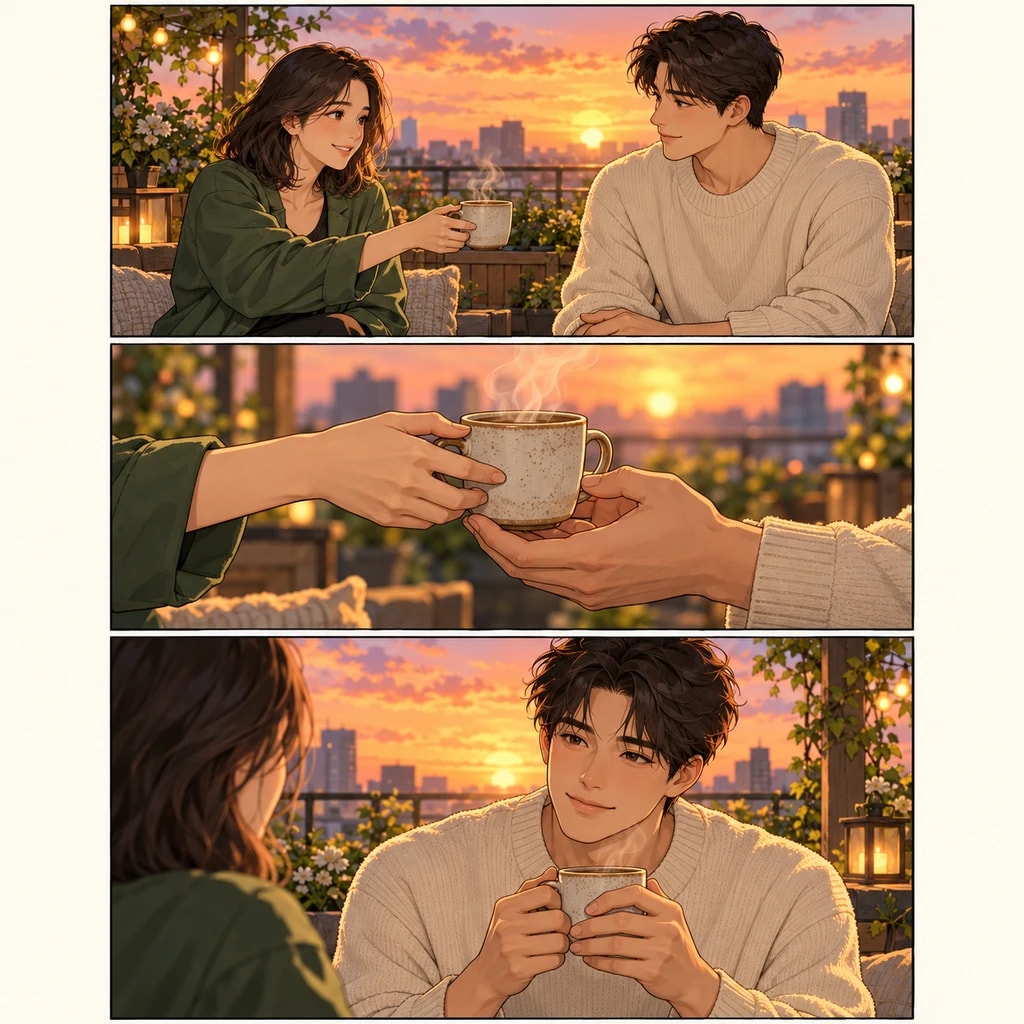
Break the final reveal into a setting, a reaction and a close-up. Adjust the spacing so the last screen gives readers a reason to return.

Explore this format

From the first idea to a page worth sharing

  1. Story brief
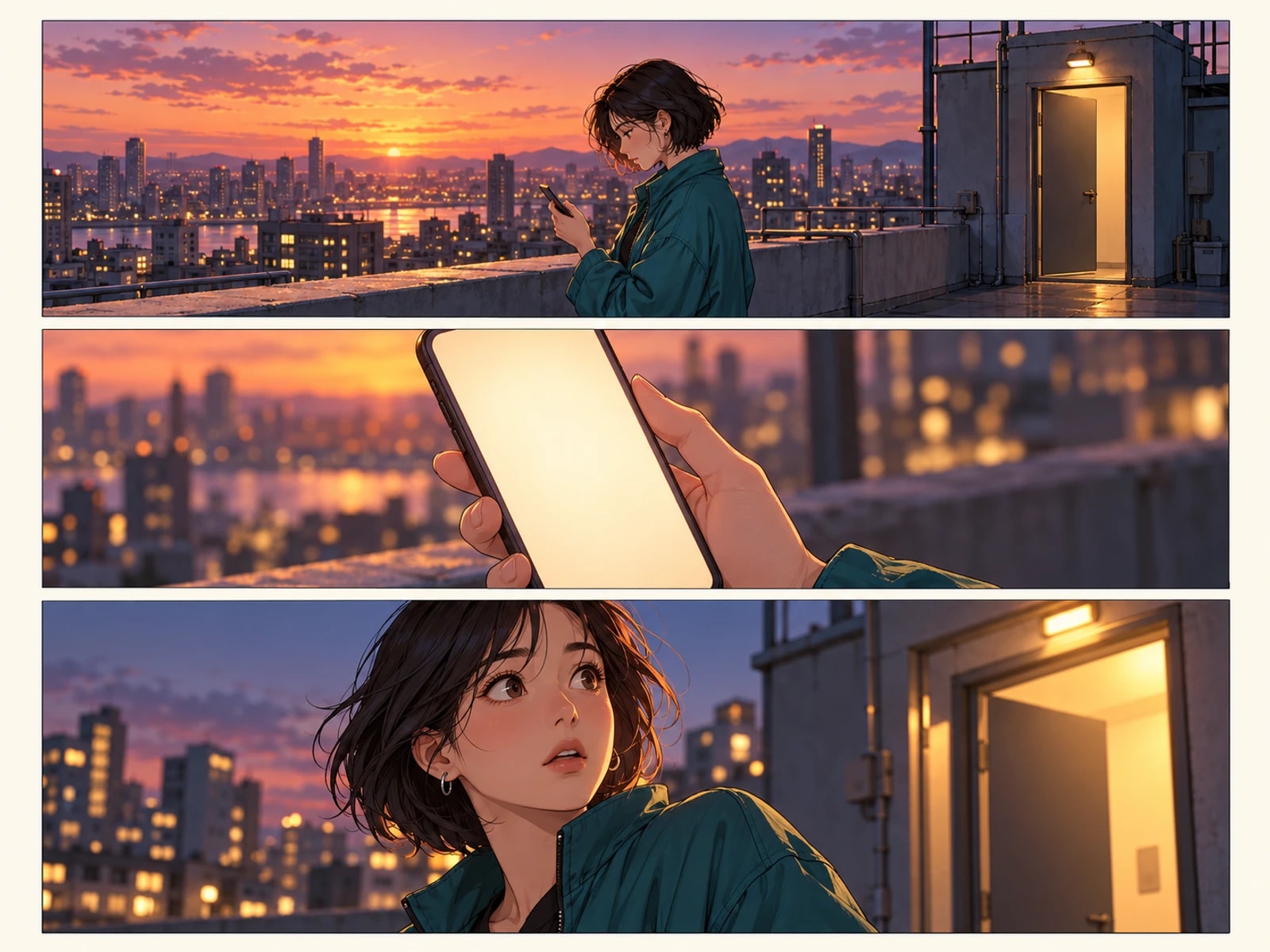
    A vertical color episode: an adult commuter misses the last train, notices a lit window across the tracks, then receives a message from that same room. Use a wide opening, a long pause and a close-up reveal.
    Planning example · not a generated result
    01

    Shape the idea

    Describe a scene, import your manuscript in the editor, or define a character. Add the references that matter to your story.

  2. Storyboard notes
    1. 01The last train has gone
    2. 02A lit window across the tracks
    3. 03A message from that room
    Planning example · not a generated result
    02

    Direct the shots

    Review the storyboard, choose a model and check the quote. Generate and compare panels; retry the ones that need another pass.

  3. Page plan
    1. 01The last train has gone
    2. 02A lit window across the tracks
    3. 03A message from that room
    Planning example · not a generated result
    03

    Make it a page

    Arrange the approved artwork, edit bubbles and text, and preview the finished page before exporting. Character references can be reused in a project.

Made for creators who keep creating

Keep your direction

Edit shot order, action and dialogue before committing to the final artwork.

Refine one panel

Try another candidate for a shot while keeping the panels you already approved.

Bring your cast back

Choose a reference version for each project or shot, then review the result for continuity.

Words stay editable

Adjust dialogue, bubble shapes and placement without regenerating the underlying artwork.

A few details that make a better page

Vertical pacing and colour continuity

Every screen in a webtoon needs a reason to keep scrolling: an action, an expression, a line, a cut. Vertical storyboards break the page into consecutive screens; pauses come from negative space and hooks from the last frame. Marking each frame's scroll motive at storyboard stage beats stretching later.

Colour drift is the main risk of a colour series. Characters and wardrobe bind to a version, lighting and time of day are fixed in the storyboard, and every frame reuses the same colour relationships. For a night scene or a flashback, open a new version instead of adjusting colour on the fly.

Aspect
Vertical strip with a fixed width per platform spec
Colour
Full colour with lighting fixed at storyboard stage
Release unit
Per-episode export for a weekly schedule

Webtoon · Questions

What aspect ratio does a webtoon use?

A vertical strip: fixed width, height extended by frame count and pauses. Export at the width your target platform recommends.

How long should an episode be?

Set it by cadence: weekly updates usually run fifteen to twenty-five frames, biweekly can reach thirty. Frame count reflects reading time better than page count.

How do you keep characters and colour consistent?

Bind characters and wardrobe to a version and reuse it across frames. Write lighting and time of day into the storyboard instead of correcting colour afterwards.

Can I make covers and thumbnails?

Yes. Generate at the platform ratio, keep faces and titles inside the safe area, then export.

How do I make a webtoon episode with AI?

Prepare one episode of script, split it into fifteen to twenty-five vertical beats, confirm the storyboard and lighting, generate each panel, then export at the platform width.

Do I need a separate webtoon maker or is this one enough?

One is enough. This webtoon creator covers the episode workflow — vertical panels, colour continuity, per-panel retry — and exports at your platform width, so you do not need a second webtoon maker or a separate webtoon generator.

Before you begin

  • It does not generate a whole chapter at once: one page at a time, frame by frame, so nothing needs a full redo.
  • It does not train models: generation uses the server catalog's models and versioned prompts, never personal training.
  • It does not bypass content policy: models may refuse a prompt, and refused tasks refund their credits.

Your next page starts with an idea.

Start small. Shape the shots. Make something you want to share.

Create a comic

Updated