Halloween comics · KOMI

Halloween Comic Maker for a Twist Worth Sharing

A suspicious parcel. A costume with a secret. A door that opens onto something kind. Pick a starting story, make it yours, then shape the suspense one panel at a time.

Make room for your next story

Choose a story starter · replaces your draft
0 / 10,000

Your text carries into the editor. Sign in to choose references, a model and a credit quote before generating.

Halloween comics
Visual studyHalloween comics

Review the credit cost before generating, then choose how to create. Pricing

More control over the story you want to tell

Storyboard notes
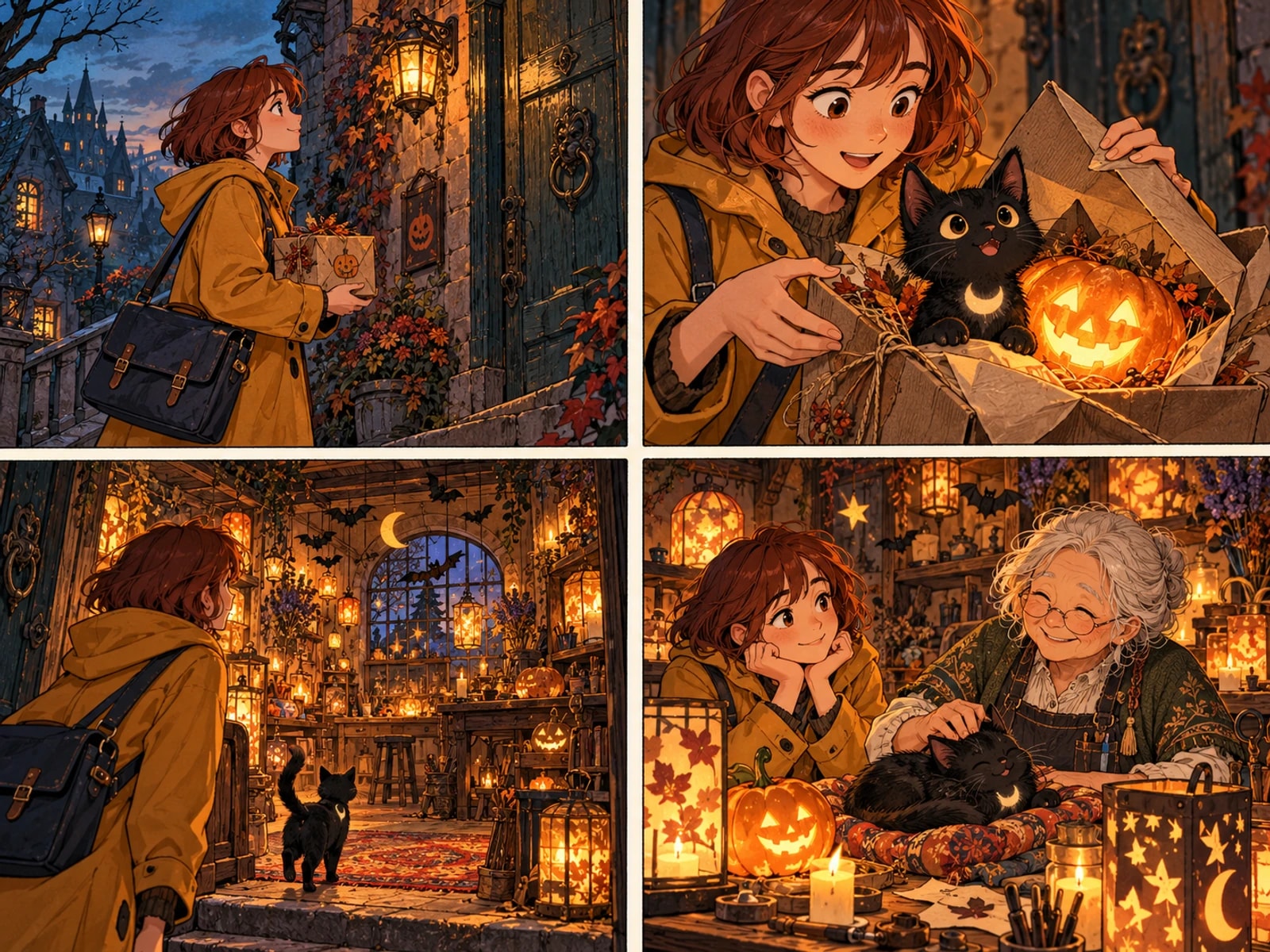
  1. 01A pumpkin parcel at the old house
  2. 02A black cat beside the glowing pumpkin
  3. 03The door reveals a lantern workshop
  4. 04Tea, lights and a quiet smile
Planning example · not a generated result
01 / Halloween comics

Plant a clue before the reveal

Describe what the reader sees first: a moving parcel, a shadow or a flickering lantern. Keep the real explanation in a later beat so the storyboard can separate anticipation from payoff.

Explore this format
Reference review
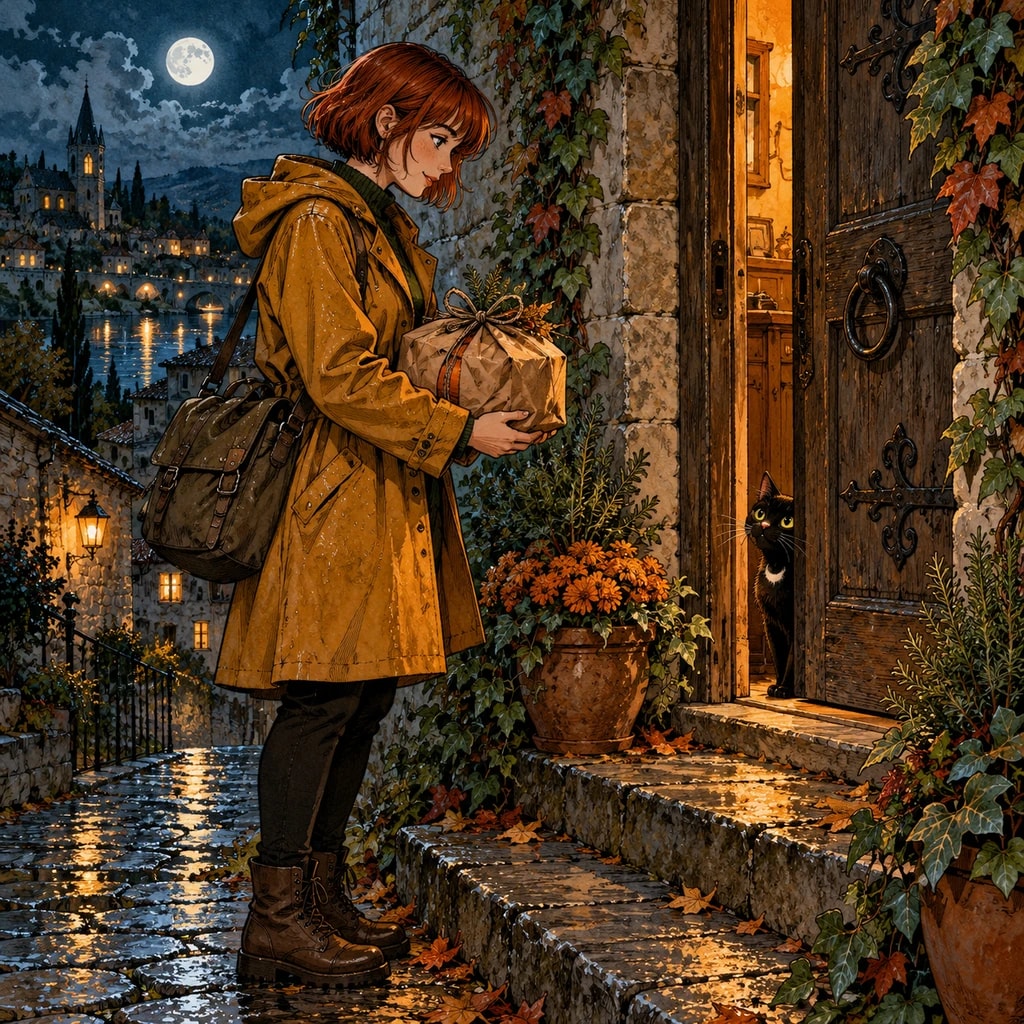
Moonlit doorstep · the setup
  • Face and silhouette
  • Outfit and props
  • Lighting and color
Compare before reusing
02 / Halloween comics

Give a costume one memorable detail

A crescent badge, oversized hood or crooked hat is easier to recognize across panels than a long costume inventory. Add your reference in the creator and keep that detail visible when changing camera angles.

Explore this format
Light / shadow / focal point
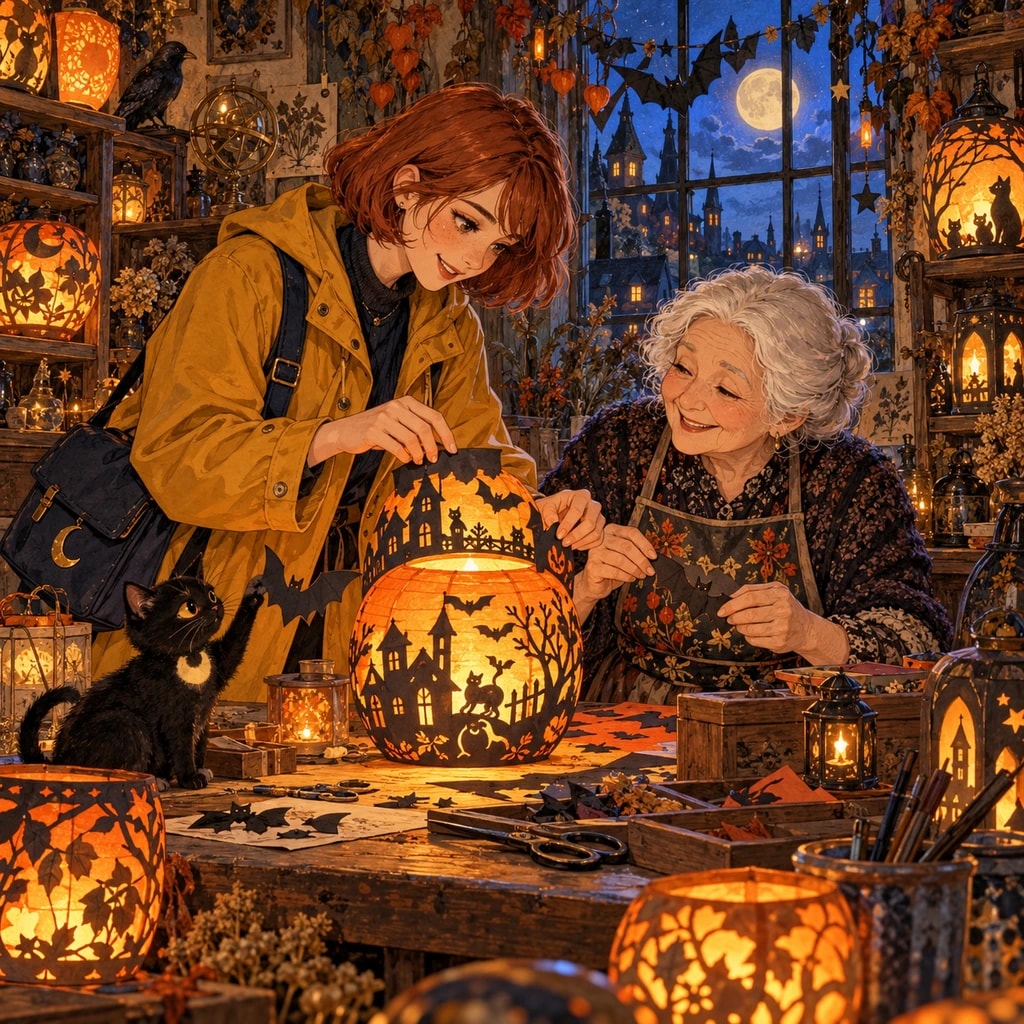
Lantern workshop · a warm reveal
Planning example · not a generated result
03 / Halloween comics

Use darkness to frame the action

Name a visible light source and the face or prop it illuminates. A candle-lit hand opening the door reads more clearly than a prompt asking for everything to be dark, cinematic and mysterious at once.

Explore this format
Review this panel
  1. 01A pumpkin parcel at the old houseKeep approved panels
  2. 02A black cat beside the glowing pumpkinReview this panel
  3. 03The door reveals a lantern workshopKeep approved panels
  4. 04Tea, lights and a quiet smileKeep approved panels
Planning example · not a generated result
04 / Halloween comics

Refine the beat that misses

Review the editable storyboard before generating. If the joke is revealed too early, change that shot's description or dialogue. Later, refine the individual panel rather than treating every revision as a new story.

Explore this format

One idea. More ways to bring it to life.

01

A four-beat cozy mystery

Introduce the doorstep, inspect the parcel, open the door and let the reaction close the story. A small cast and one location leave space for expressions.

Explore this format
02

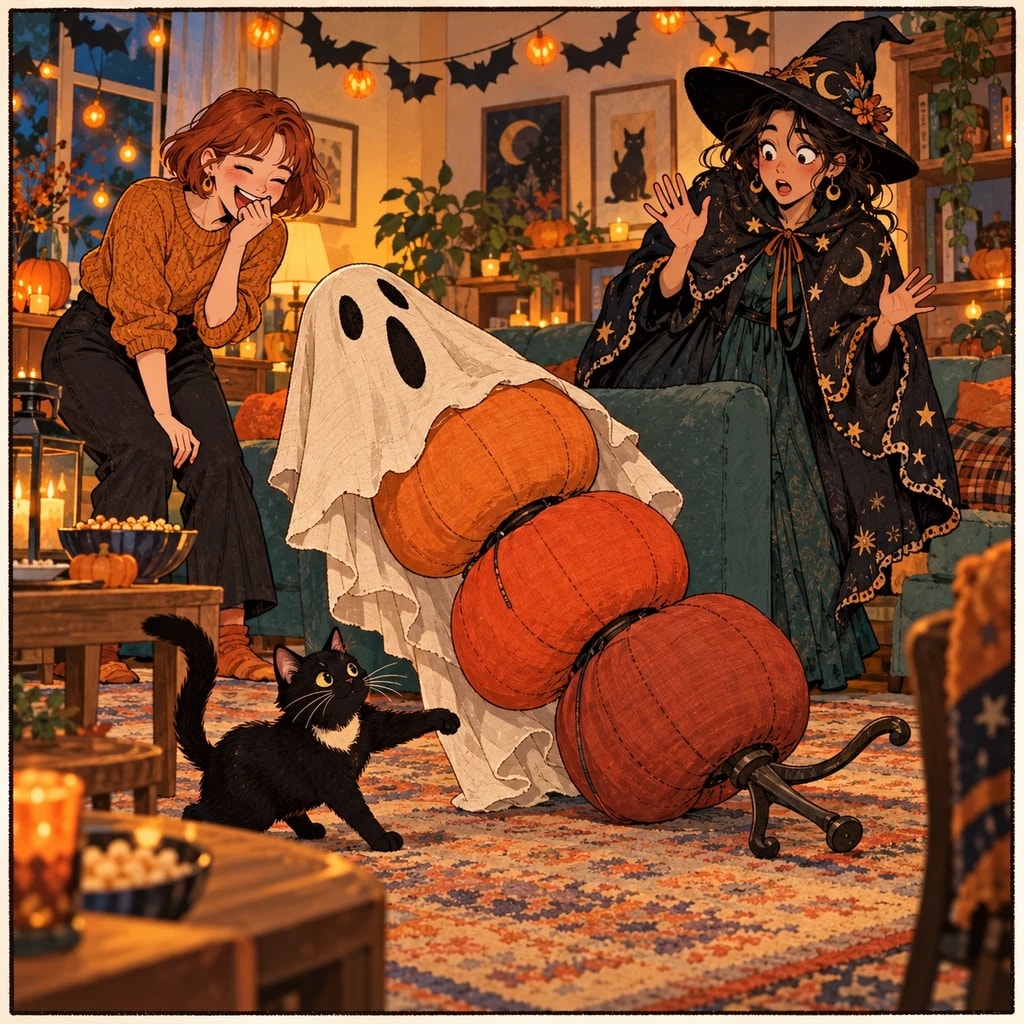
A costume-party gag

Turn a harmless silhouette into a misunderstanding. Repeat the same framing before and after the reveal so readers can compare what they thought they saw.

Explore this format
03

A lantern-lit character moment

Build a quiet scene around someone repairing a lantern. Hands, eye direction and a small smile can carry the emotional turn without crowded dialogue.

Explore this format
04

A short invitation story

Let a mysterious delivery become an invitation. Keep event details in editable lettering after the artwork is settled, where spelling and placement can be checked.

Explore this format
05

An opening for an autumn serial

End with a second unopened parcel. Keep the first story satisfying on its own while leaving one concrete question for your next episode.

Explore this format

From the first idea to a page worth sharing

  1. Story brief
    A four-beat Halloween story: an adult courier with an auburn bob and amber raincoat delivers a pumpkin parcel to an old house at twilight. A black cat peeks out beside the glowing pumpkin. Behind the creaking door is a welcoming lantern workshop, not a haunted room. The elderly lantern maker offers the courier tea while the cat curls up by the lights. Keep the reveal until the third beat; end on a warm, wordless reaction.
    Planning example · not a generated result
    01

    Shape the idea

    Describe a scene, import your manuscript in the editor, or define a character. Add the references that matter to your story.

  2. Storyboard notes
    1. 01A pumpkin parcel at the old house
    2. 02A black cat beside the glowing pumpkin
    3. 03The door reveals a lantern workshop
    4. 04Tea, lights and a quiet smile
    Planning example · not a generated result
    02

    Direct the shots

    Review the storyboard, choose a model and check the quote. Generate and compare panels; retry the ones that need another pass.

  3. Page plan
    1. 01A pumpkin parcel at the old house
    2. 02A black cat beside the glowing pumpkin
    3. 03The door reveals a lantern workshop
    4. 04Tea, lights and a quiet smile
    Planning example · not a generated result
    03

    Make it a page

    Arrange the approved artwork, edit bubbles and text, and preview the finished page before exporting. Character references can be reused in a project.

Made for creators who keep creating

Keep your direction

Edit shot order, action and dialogue before committing to the final artwork.

Refine one panel

Try another candidate for a shot while keeping the panels you already approved.

Bring your cast back

Choose a reference version for each project or shot, then review the result for continuity.

Words stay editable

Adjust dialogue, bubble shapes and placement without regenerating the underlying artwork.

A few details that make a better page

The reveal works when the setup is readable

Before writing a visual prompt, summarize what changes in each beat. A door being closed, a hand approaching it and the same door opening are three actions; putting all three in one frame makes the moment harder to stage. The starter is a brief, not a guaranteed panel count. Review the generated storyboard and split or merge shots as needed.

A cozy Halloween story can use suspense without graphic horror. Choose one recurring light source and reserve a quiet reaction after the reveal. The studies here are original editorial illustrations; model output, costume continuity and final lettering still need your review in the creator.

Story rhythm
Setup → clue → reveal → reaction
Useful visual anchor
One lantern, one costume detail, one doorway
Before generating
Check shot order, model and credit quote

Halloween comics · Questions

How do I make a Halloween comic from a short idea?

Name the character, suspicious object and final explanation. Choose a starter or write those beats here, continue to the project creator, then review the editable storyboard before choosing the image model and confirming generation.

Can the story be funny instead of frightening?

Yes. A mistaken silhouette, swapped costume or cat in a parcel works well as a visual joke. Explain the harmless cause in the story and keep the reveal readable without relying on a paragraph of dialogue.

Will the starter produce exactly four panels?

No. It suggests four story beats, not a fixed output count. Check the storyboard after analysis and adjust shot order and page layout in the creator. A complex action may need more than one shot.

Can I use my own costume reference?

Add reference material in the creator after continuing. This page carries your written story only; the example artwork is not attached automatically. Describe the costume detail you want to preserve and review each generated panel.

When do I choose a model and see the cost?

In the creation workflow, before confirming generation. The page itself does not call an image model. Review the available model, parameters and server credit quote rather than assuming the illustrated examples represent a particular model.

How do I keep the final joke from getting crowded?

Give the reveal its own shot, keep only the essential prop and leave space around the reaction. Add short editable dialogue after reviewing the image so a balloon does not cover the very clue the reader needs to see.

Before you begin

  • It does not generate a whole chapter at once: one page at a time, frame by frame, so nothing needs a full redo.
  • It does not train models: generation uses the server catalog's models and versioned prompts, never personal training.
  • It does not bypass content policy: models may refuse a prompt, and refused tasks refund their credits.

Your next page starts with an idea.

Start small. Shape the shots. Make something you want to share.

Create a comic

Updated