

Comic · KOMI

AI Comic Generator — Story to an Editable Page

KOMI splits a written story into an editable storyboard, generates one panel at a time, and gives you a page to letter yourself. It is built for creators who need control over every frame, not a single all-at-once image. If you are comparing an AI comic book generator or one of the many AI comics generators, the test is whether the page stays editable after generation.

Make room for your next story

0 / 10,000

Your text carries into the editor. Sign in to choose references, a model and a credit quote before generating.

Comic
Visual studyComic

Review the credit cost before generating, then choose how to create. Pricing

More control over the story you want to tell

Storyboard notes
  1. 01The closed bookshop at dusk
  2. 02The courier hands over the parcel
  3. 03A ticking sound. The courier reacts.
Planning example · not a generated result
01 / Comic

A story beat you can actually direct

Give the scene a subject, an action and a consequence. Review the storyboard before creating artwork, so a dramatic turn becomes a deliberate sequence instead of a busy image. Change the shot description and dialogue while the story is still easy to reshape.

Explore this format
Reference review
The pause before the reveal
  • Face and silhouette
  • Outfit and props
  • Lighting and color
Compare before reusing
02 / Comic

References with a purpose

Attach a character reference for appearance, a scene for the location, or a prop that matters to the plot. Reuse the selected asset version across shots. References guide the result; inspect faces, hands and distinctive details before approving each panel.

Explore this format
Page plan
  1. 01The closed bookshop at dusk
  2. 02The courier hands over the parcel
  3. 03A ticking sound. The courier reacts.
Space gives the reveal time
03 / Comic

A page with a reading rhythm

Establish the location with a wide shot, move closer for the action, then leave room for the reaction. Try a different page layout without regenerating the artwork. Keep speech bubbles and lettering editable so the reading order stays clear at the final size.

Explore this format
Review this panel
  1. 01The closed bookshop at duskKeep approved panels
  2. 02The courier hands over the parcelReview this panel
  3. 03A ticking sound. The courier reacts.Keep approved panels
Planning example · not a generated result
04 / Comic

Keep the good panel. Rework the rest.

An awkward expression should not cost a whole page. Revise that shot, choose a model and review its credit quote before retrying. Compare the new candidate with the version you already like, then return to the same page for lettering and export.

Explore this format

One idea. More ways to bring it to life.

02

Short episode

Build a short episode with shared character references, reviewing appearance and wardrobe one panel at a time.

Explore this format
03

Cover

Reuse interior character references for the cover, leave room for the title and check that the character reads at thumbnail size.

Explore this format
05

Style test

Stage the same scene with manga, webtoon and American comic framing, one version each.

Explore this format
Comic creator

A comic creator for people who care where the eye goes

A page is a route: the reader enters at the top-left, travels through the panels and lands on the beat you intended. A comic creator should expose that route, not hide it behind a single generated image.

Here the route is explicit. The storyboard holds the shots, the layout holds the geometry, and the lettering sits on its own layer. Change any one of them and the other two stay intact.

Open the comic creator
  • Shot list, not a promptEvery panel starts as a described shot you can reorder or delete.
  • Layout is a separate decisionRe-flow a page without regenerating approved art.
  • Lettering lastDialogue and bubbles are added after the art, and never baked in.

From the first idea to a page worth sharing

  1. Story brief
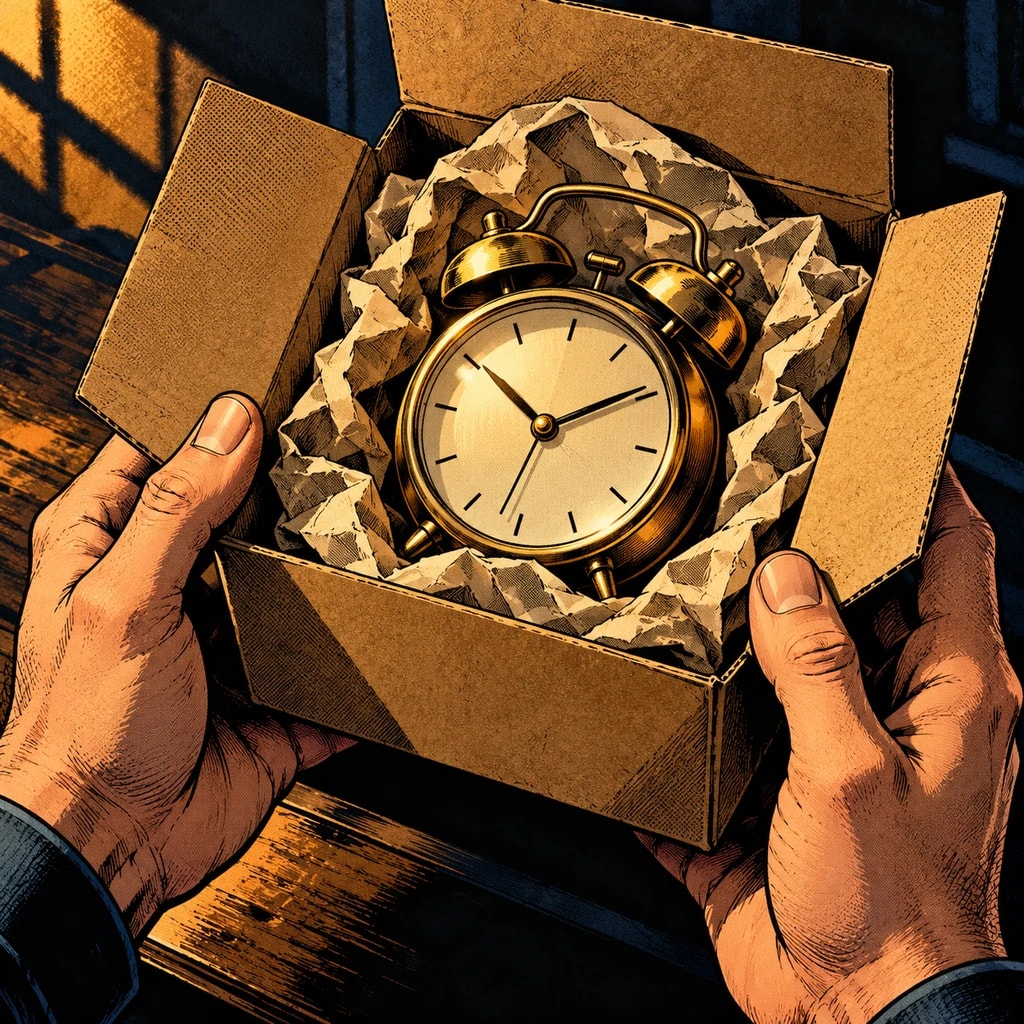
    A courier arrives at a closed bookstore at dusk. A parcel starts ticking. Show the empty street, the handoff, and the courier's reaction in three shots.
    Planning example · not a generated result
    01

    Shape the idea

    Describe a scene, import your manuscript in the editor, or define a character. Add the references that matter to your story.

  2. Storyboard notes
    1. 01The closed bookshop at dusk
    2. 02The courier hands over the parcel
    3. 03A ticking sound. The courier reacts.
    Planning example · not a generated result
    02

    Direct the shots

    Review the storyboard, choose a model and check the quote. Generate and compare panels; retry the ones that need another pass.

  3. Page plan
    1. 01The closed bookshop at dusk
    2. 02The courier hands over the parcel
    3. 03A ticking sound. The courier reacts.
    Planning example · not a generated result
    03

    Make it a page

    Arrange the approved artwork, edit bubbles and text, and preview the finished page before exporting. Character references can be reused in a project.

Made for creators who keep creating

Keep your direction

Edit shot order, action and dialogue before committing to the final artwork.

Refine one panel

Try another candidate for a shot while keeping the panels you already approved.

Bring your cast back

Choose a reference version for each project or shot, then review the result for continuity.

Words stay editable

Adjust dialogue, bubble shapes and placement without regenerating the underlying artwork.

A few details that make a better page

One workflow, four publishing formats

Comic pages are not one format. A Japanese manga page reads right to left in black and white, built on screentone and speed lines; a webtoon is a vertical colour strip; an American comic packs panels densely with heavy colour; a bande dessinée gives each panel more air. KOMI keeps the storyboard separate from the layout, so one story can be staged for any of them.

The layout decides panel geometry; the storyboard decides what happens in each shot. Switching layouts re-flows the page without touching the story, and retrying one frame leaves the approved ones alone.

Used as a comic maker, a comic panel generator or a comic layout generator, the flow is the same: the storyboard decides the shots and the layout decides the page.

Reading direction
Per layout: left-to-right or right-to-left
Colour
Black and white or full colour, per chosen style
Export
PDF, CBZ, long image, PNG pages
Lettering
Dialogue and bubbles are separate editable layers

Comic · Questions

Can AI make comics on its own?

It can generate the artwork, but the story, storyboard and reading order stay your decisions. This workflow keeps AI at the panel stage: you fix the shots first, generate frame by frame, then compose the page and letter it yourself.

How do I make a comic page using AI?

Write a story that fits on one page, split the actions into a storyboard, generate one frame at a time, compare character and props across neighbours, then compose, letter and inspect the export.

Can I start for free?

Creating an account and building a storyboard costs nothing. Only generation spends credits, and the quote appears before you submit.

Who owns what I make?

You keep the rights to your story and the pages you export, subject to the terms of service and each model provider's usage policy.

Can I edit the dialogue?

Yes. Dialogue and bubbles are separate layers; rewriting text never regenerates the artwork.

Can I retry one panel?

Yes. Each panel is its own task with its own debit and refund, and retrying one frame leaves approved frames untouched.

Which image models can I use?

The workspace lists the image models available to your plan, with display names and credit cost. Model choice belongs to each generation, not to the project.

Is this an AI comic generator or a comic creator?

Both. You can start from a prompt and generate panels, or work as a comic creator: write the story, approve the storyboard, then generate only the frames you need. The difference is where you spend credits.

Before you begin

  • It does not generate a whole chapter at once: one page at a time, frame by frame, so nothing needs a full redo.
  • It does not train models: generation uses the server catalog's models and versioned prompts, never personal training.
  • It does not bypass content policy: models may refuse a prompt, and refused tasks refund their credits.

Your next page starts with an idea.

Start small. Shape the shots. Make something you want to share.

Create a comic

Updated