Story to comic · KOMI

Story to Comic — Turn a Manuscript into a Storyboard

The hard part is rarely rendering; it is deciding which sentences become images. KOMI splits the text into shots and lines first, so you can change the structure before spending anything.

Make room for your next story

0 / 10,000

Your text carries into the editor. Sign in to choose references, a model and a credit quote before generating.

Story to comic
Visual studyStory to comic

Review the credit cost before generating, then choose how to create. Pricing

More control over the story you want to tell

Story brief
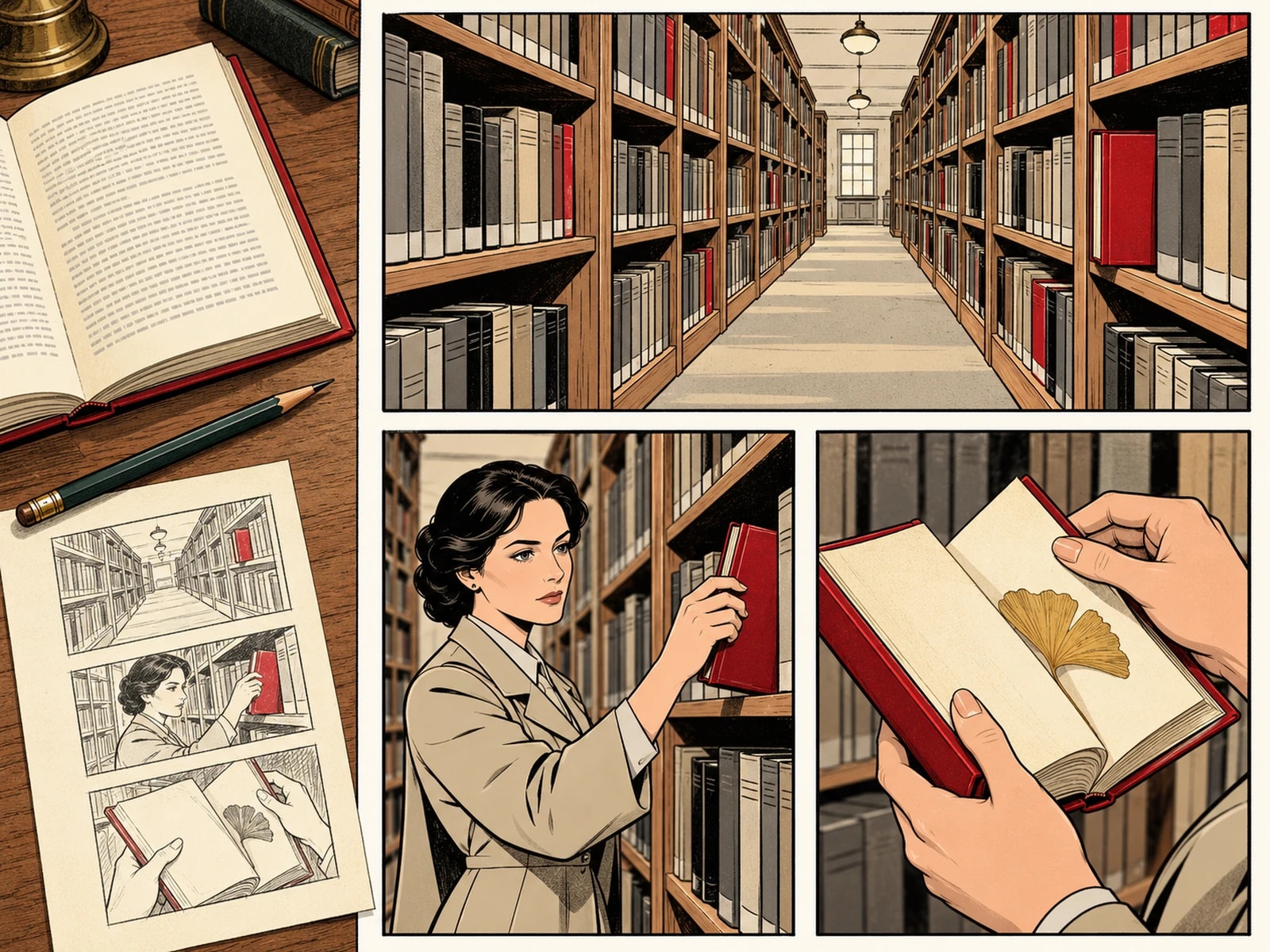
Adapt this opening into shots: The archivist returns a borrowed book and finds a note dated tomorrow. She recognizes her own handwriting. Keep the note as a visual clue, separate narration from dialogue, and end on her reaction.
Planning example · not a generated result
01 / Story to comic

Start with the manuscript you already have

Paste an excerpt or import a UTF-8 Markdown or TXT document in the workflow. Begin with a complete scene rather than squeezing an entire novel into one submission. Keep the source as prose; the storyboard is a separate place to make visual decisions.

Explore this format
Storyboard notes
  1. 01The archivist returns a book
  2. 02A note dated tomorrow
  3. 03She recognizes her handwriting
Planning example · not a generated result
02 / Story to comic

Turn description into something visible

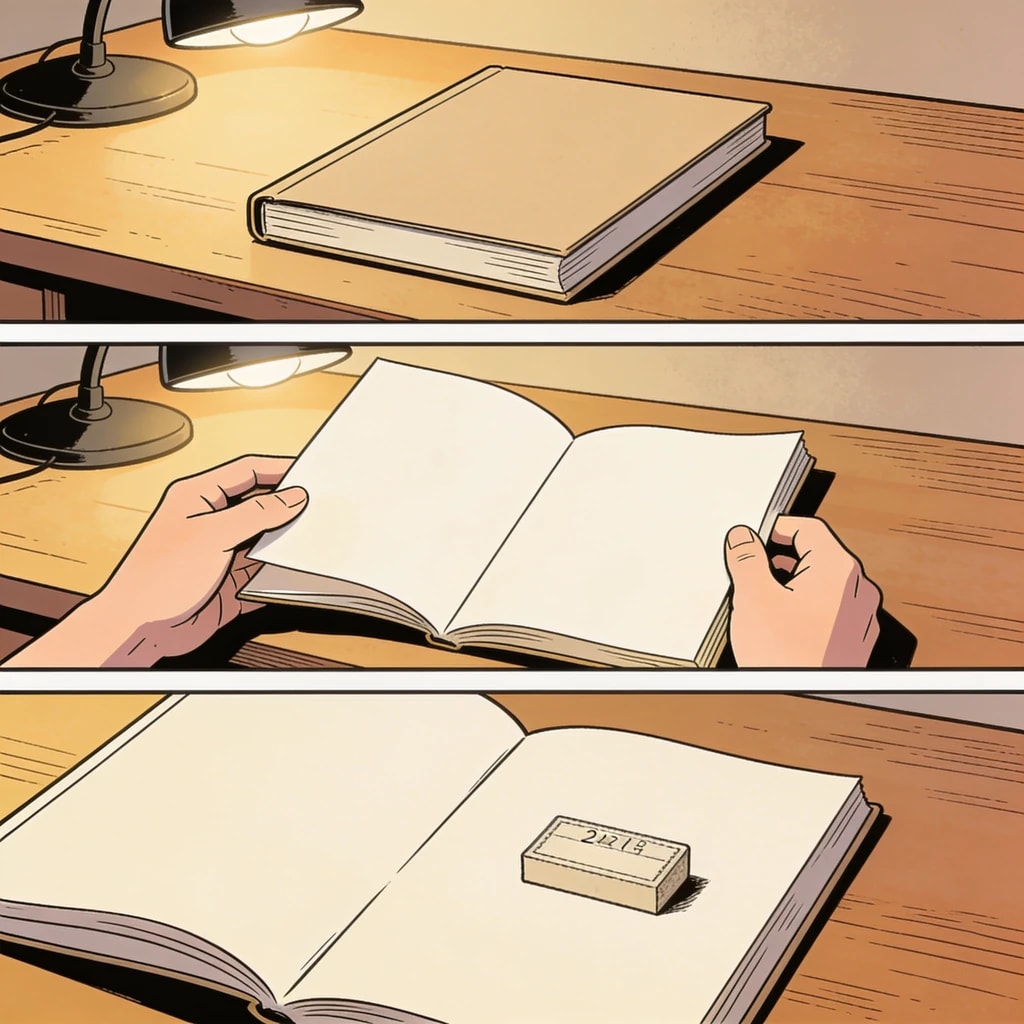
A sentence such as 'she was uneasy' needs a visible action: a hand at the door, a glance behind, a pause before answering. Review each generated shot for a clear subject, location and change. Rewrite abstract descriptions before requesting artwork.

Explore this format
Leave space for the words
Editable dialogue
Artwork layer

She recognizes her handwriting

Planning example · not a generated result
03 / Story to comic

Keep the lines that carry the scene

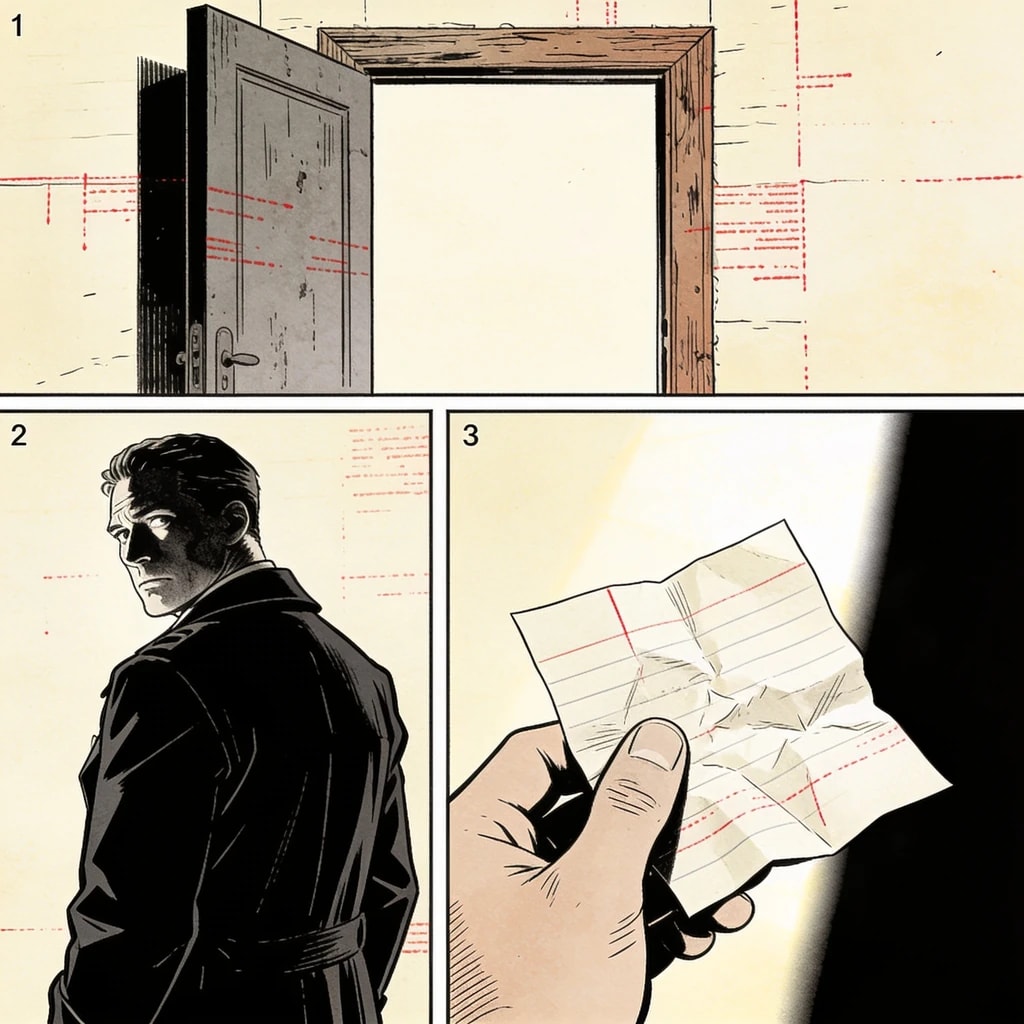
Not every sentence belongs inside a bubble. Keep the lines that change a decision or reveal a relationship; move essential context into narration. The editable storyboard lets you correct speakers and split a crowded exchange before the page becomes expensive to rework.

Explore this format
Page plan
  1. 01The archivist returns a book
  2. 02A note dated tomorrow
  3. 03She recognizes her handwriting
Space gives the reveal time
04 / Story to comic

Adapt a scene, then build the series

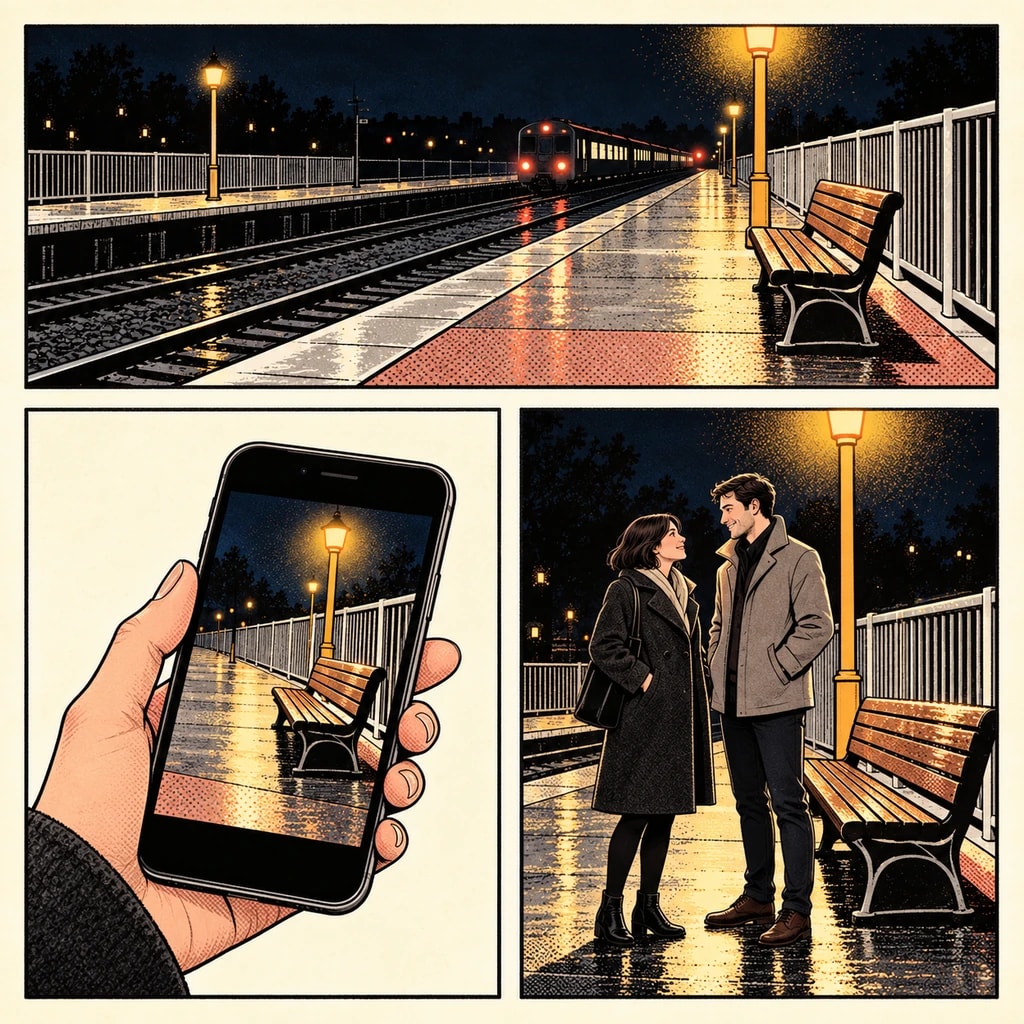
Use a pilot scene to settle the cast, visual tone and amount of dialogue. Reuse approved asset versions as you adapt later scenes. Compare the storyboard with the original after each pass, so a striking image does not quietly change a clue, a motivation or the order of events.

Explore this format

One idea. More ways to bring it to life.

01

Novel chapter

Split two to three thousand words into twelve to twenty shots while keeping the original order.

Explore this format
02

Short story adaptation

One character and one turn, where pacing and negative space carry the page.

Explore this format
05

Dialogue scene

Turn a conversation into speakers, listeners and physical reactions. Keep the essential lines and replace repeated narration with visible action.

Explore this format

From the first idea to a page worth sharing

  1. Story brief
    Adapt this opening into shots: The archivist returns a borrowed book and finds a note dated tomorrow. She recognizes her own handwriting. Keep the note as a visual clue, separate narration from dialogue, and end on her reaction.
    Planning example · not a generated result
    01

    Shape the idea

    Describe a scene, import your manuscript in the editor, or define a character. Add the references that matter to your story.

  2. Storyboard notes
    1. 01The archivist returns a book
    2. 02A note dated tomorrow
    3. 03She recognizes her handwriting
    Planning example · not a generated result
    02

    Direct the shots

    Review the storyboard, choose a model and check the quote. Generate and compare panels; retry the ones that need another pass.

  3. Page plan
    1. 01The archivist returns a book
    2. 02A note dated tomorrow
    3. 03She recognizes her handwriting
    Planning example · not a generated result
    03

    Make it a page

    Arrange the approved artwork, edit bubbles and text, and preview the finished page before exporting. Character references can be reused in a project.

Made for creators who keep creating

Keep your direction

Edit shot order, action and dialogue before committing to the final artwork.

Refine one panel

Try another candidate for a shot while keeping the panels you already approved.

Bring your cast back

Choose a reference version for each project or shot, then review the result for continuity.

Words stay editable

Adjust dialogue, bubble shapes and placement without regenerating the underlying artwork.

A few details that make a better page

Three rules for splitting text into shots

First, cut by action rather than by sentence: a line with two actions earns two shots. Second, keep dialogue in the space where it happens, so sound and image agree. Third, give every page one visual anchor and let the other frames serve it.

Genre sets shot length: action wants short shots and frequent cuts; romance and slice-of-life want longer holds and more air; mystery runs on withheld information, so the camera must hide; fantasy needs the rules established in a wide. Mark each page's rhythm at storyboard stage.

Whether a writer calls it text to comic, novel to comic or script to comic, the storyboard is the same object, and approving it costs nothing.

Input
Markdown, plain text or a pasted chapter
Approval point
Billing starts only after the storyboard is approved
Revision
Reorder shots, edit descriptions and lines without regenerating art

Story to comic · Questions

How long a story can it handle?

One chapter or one scene at a time — roughly two to three thousand words — works best. For longer manuscripts, go chapter by chapter so the storyboard does not overload.

Can I edit the storyboard by hand?

Yes. Reorder shots, rewrite each frame's description and dialogue, add or remove shots. Those edits cost nothing.

Can I change it after approving?

Text and order stay editable without touching generated art. Only a frame that needs new art is regenerated, and only that frame.

Is the original text kept?

Yes. The manuscript and the storyboard are stored separately, so editing shots never destroys the source and you can compare or revert.

How do I turn a novel into a comic?

Paste one chapter, roughly two to three thousand words. Let KOMI split it into shots, edit descriptions and lines first, approve, then generate page by page so a chapter never needs a full redo.

Can I finish a short story comic in one sitting?

A short story of one or two scenes usually fits one session: import the text, approve the storyboard, generate a few pages, then letter. Longer manuscripts work better chapter by chapter.

Before you begin

  • It does not generate a whole chapter at once: one page at a time, frame by frame, so nothing needs a full redo.
  • It does not train models: generation uses the server catalog's models and versioned prompts, never personal training.
  • It does not bypass content policy: models may refuse a prompt, and refused tasks refund their credits.

Your next page starts with an idea.

Start small. Shape the shots. Make something you want to share.

Create a comic

Updated