Manga · KOMI

AI Manga Generator — Black-and-White Panels You Can Re-Cut

Japanese manga draws its tension from black and white: screentone, speed lines, negative space and faces. KOMI settles the storyboard first, then generates one panel at a time, so you only redraw the frame that missed. That is why a manga AI generator built on a storyboard keeps screentone and speed lines deliberate instead of random.

Make room for your next story

0 / 10,000

Your text carries into the editor. Sign in to choose references, a model and a credit quote before generating.

Manga
Visual studyManga

Review the credit cost before generating, then choose how to create. Pricing

More control over the story you want to tell

Light / shadow / focal point
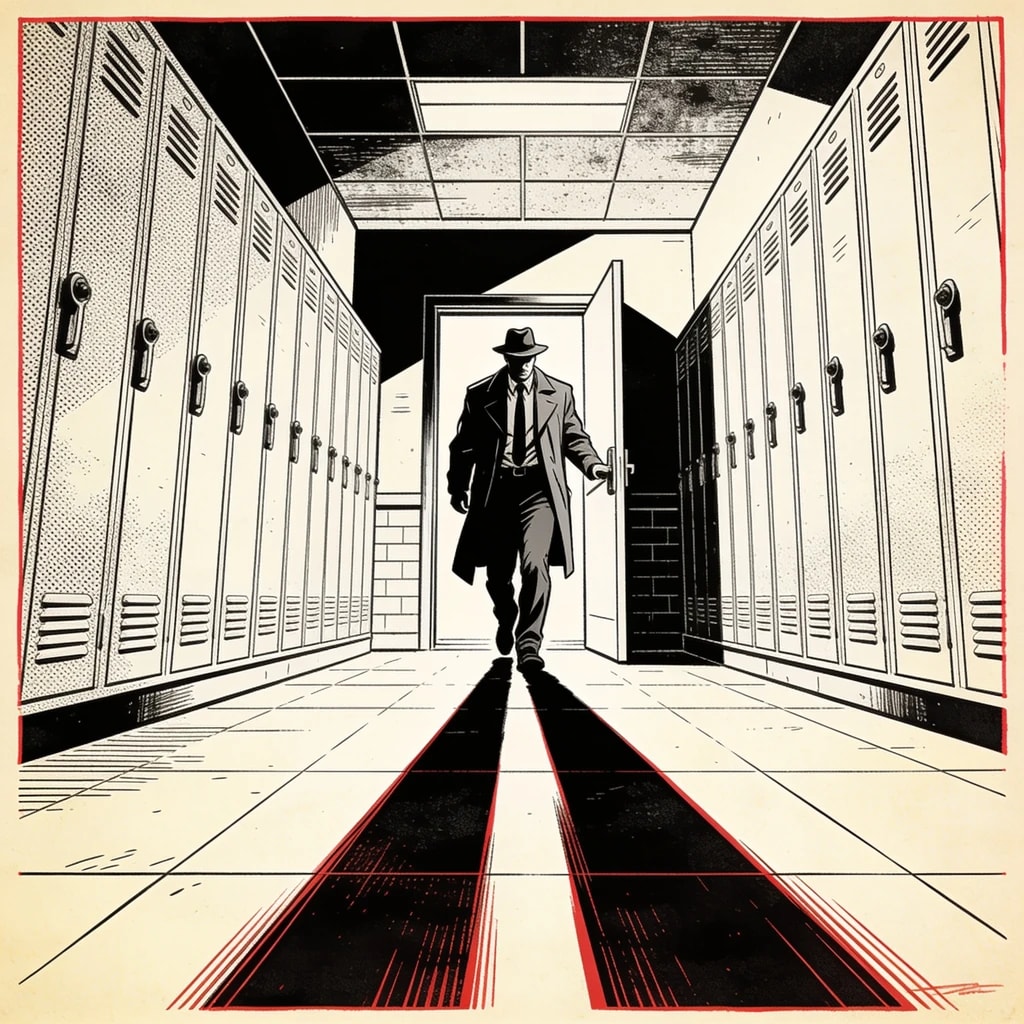
Ink and atmosphere
Planning example · not a generated result
01 / Manga

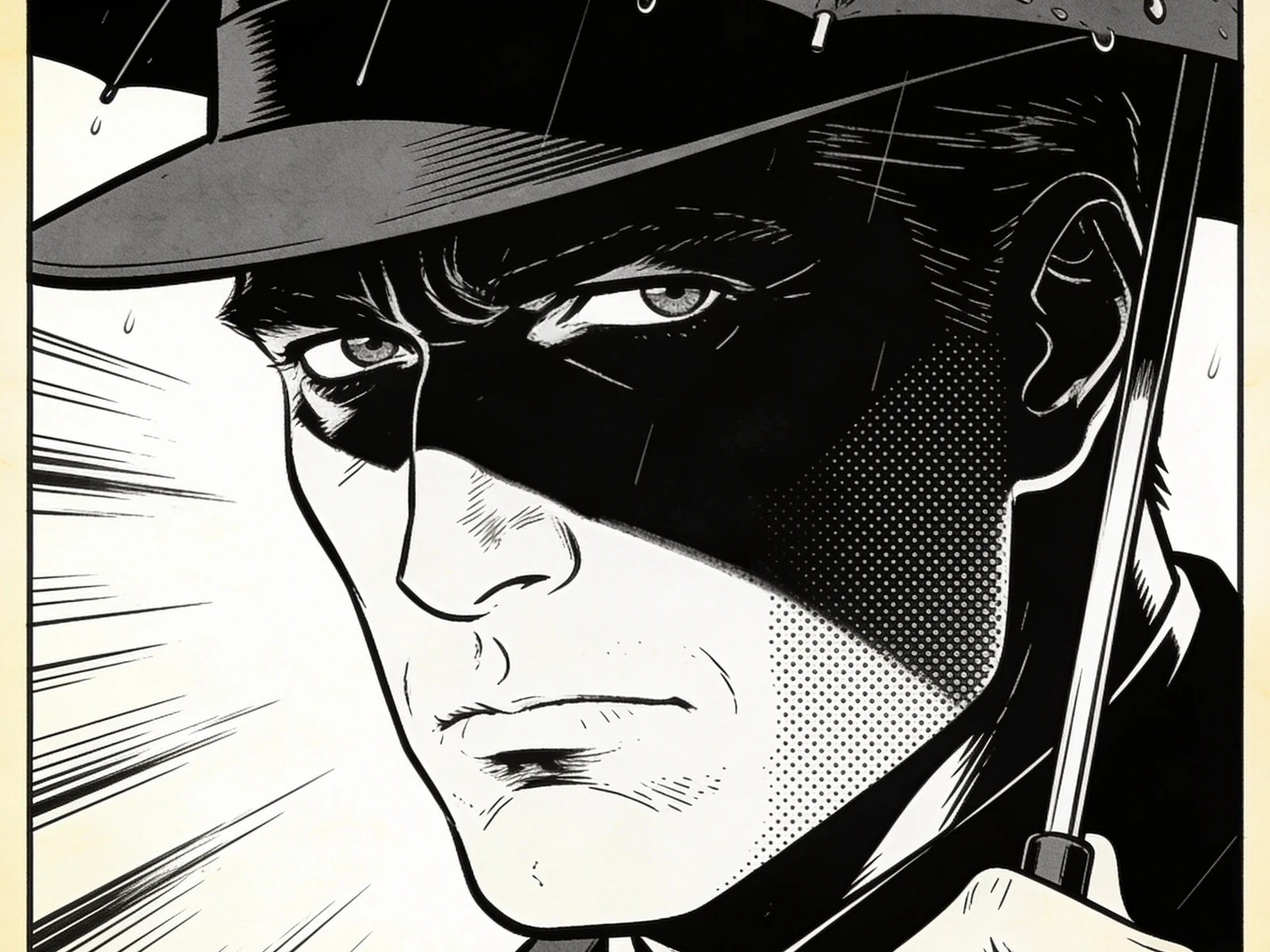
Black, white and a deliberate focal point

Describe the main silhouette, the light source and the darkest area before adding speed lines or screentone. Review the result at a small size: the action should still read without color. If it does not, simplify the composition rather than adding more detail.

Explore this format
Reference review
Black-and-white page study
  • Face and silhouette
  • Outfit and props
  • Lighting and color
Compare before reusing
02 / Manga

A cast that belongs to the same story

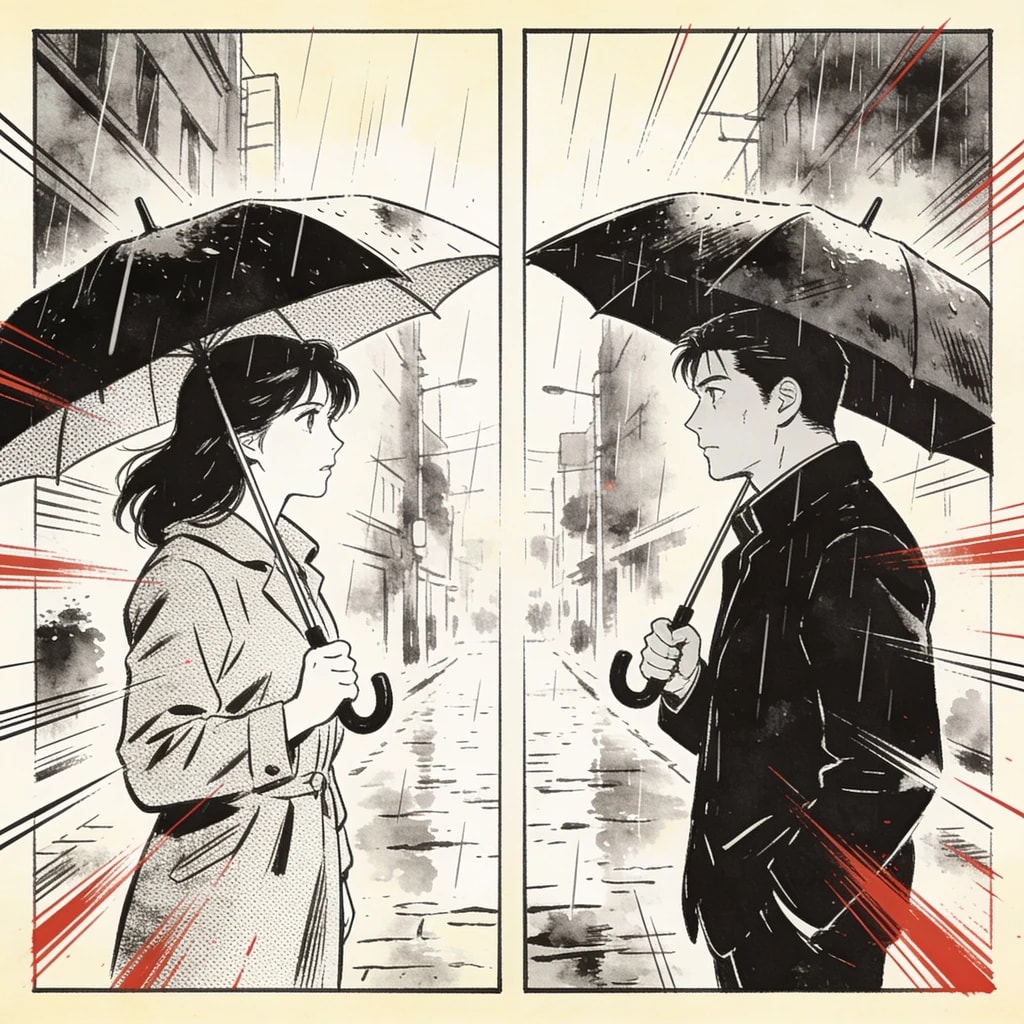
Save a clear reference for hair, clothing and identifying accessories. Bind that version to the shots where the character appears. Treat consistency as an editing task: check facial proportions and costume details, and retry only the panels that drift from your approved design.

Explore this format
Page plan
  1. 01Establish the locked room
  2. 02A wet umbrella inside
  3. 03Reveal the fresh footprint
Space gives the reveal time
03 / Manga

Space for the quiet panel

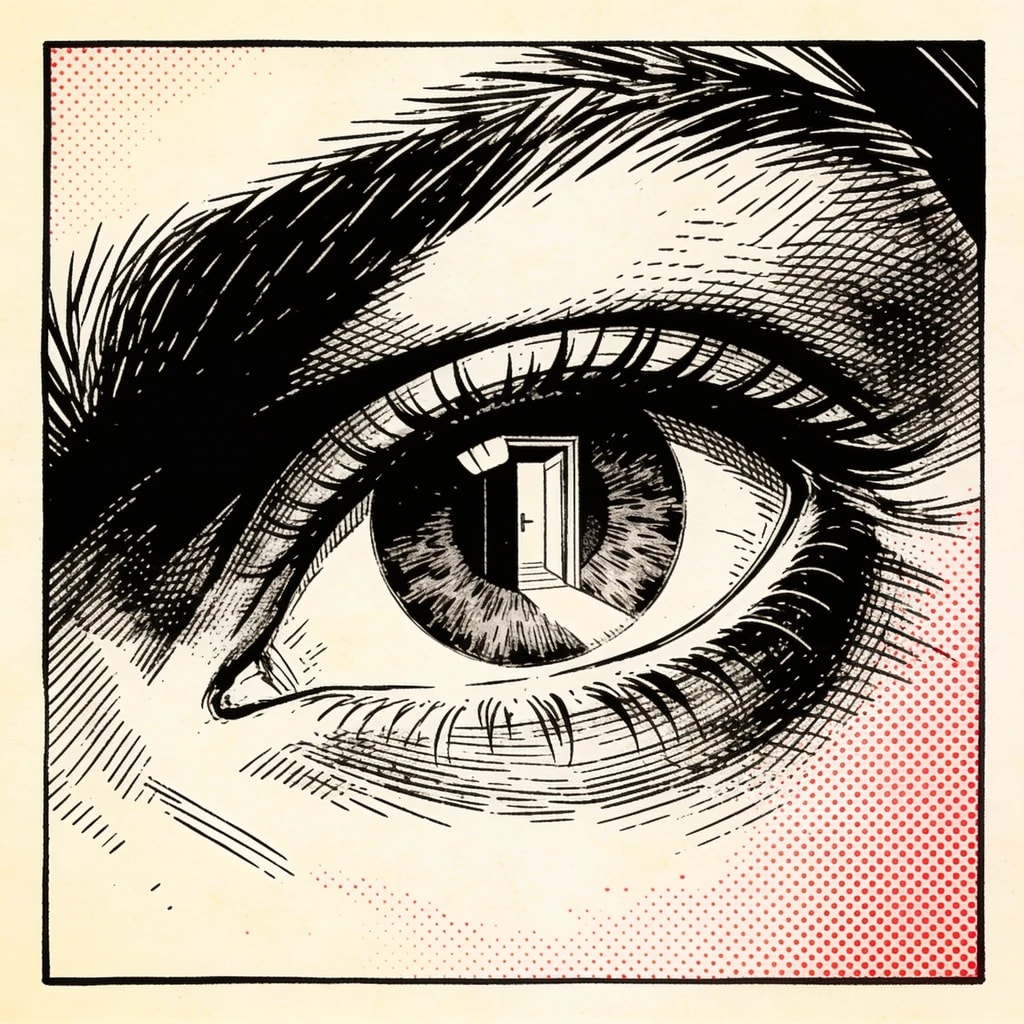
Alternate an establishing view, a reaction and a detail instead of making every panel equally loud. A silent hand movement or empty corridor can carry tension. Adjust the sequence in the storyboard before spending credits on the final images, then check page flow in composition.

Explore this format
Leave space for the words
Editable dialogue
Artwork layer

Reveal the fresh footprint

Planning example · not a generated result
04 / Manga

Letter after the drawing works

Ask for clean art, then set dialogue, narration and bubble shapes in the editor. Separate text makes proofreading and translation easier. Check tails, faces and reading order at the intended page size; changing a line should not require generating the drawing again.

Explore this format

One idea. More ways to bring it to life.

02

Four-panel strip

Four beats — setup, development, turn, punchline — for slice-of-life and gag pacing.

Explore this format
03

Character sheet

Front, side and expression variations of one character, for submissions or drawing reference.

Explore this format
05

Style comparison

Run the same page at shonen, shojo, seinen and josei pacing, one version each.

Explore this format
Manga creator

A manga creator built around the page, not the prompt

Doujinshi and short serials live or die on consistency: the same face, the same tone, the same reading direction from the first page to the last. Working as a manga creator here means the chapter is planned before a single frame is drawn.

Write the chapter, fix the character version, approve the storyboard, then generate page by page. Tone, speed lines and bubble placement stay in your hands, and only the page that missed gets redone.

Start a manga chapter
  • Chapter firstA 16–24 page one-shot is planned as a whole before generation starts.
  • Tone stays flatScreentone and line weight follow the chosen style across every page.
  • Print-ready exportB5 and A5 pages export as PDF or PNG pages with the crop you set.

From the first idea to a page worth sharing

  1. Story brief
    Black-and-white mystery manga: an adult detective finds a wet umbrella inside a locked room. Establish the room, show the umbrella, then reveal a fresh footprint. Strong blacks, restrained screentone, no lettering in the artwork.
    Planning example · not a generated result
    01

    Shape the idea

    Describe a scene, import your manuscript in the editor, or define a character. Add the references that matter to your story.

  2. Storyboard notes
    1. 01Establish the locked room
    2. 02A wet umbrella inside
    3. 03Reveal the fresh footprint
    Planning example · not a generated result
    02

    Direct the shots

    Review the storyboard, choose a model and check the quote. Generate and compare panels; retry the ones that need another pass.

  3. Page plan
    1. 01Establish the locked room
    2. 02A wet umbrella inside
    3. 03Reveal the fresh footprint
    Planning example · not a generated result
    03

    Make it a page

    Arrange the approved artwork, edit bubbles and text, and preview the finished page before exporting. Character references can be reused in a project.

Made for creators who keep creating

Keep your direction

Edit shot order, action and dialogue before committing to the final artwork.

Refine one panel

Try another candidate for a shot while keeping the panels you already approved.

Bring your cast back

Choose a reference version for each project or shot, then review the result for continuity.

Words stay editable

Adjust dialogue, bubble shapes and placement without regenerating the underlying artwork.

A few details that make a better page

Four variables of the black-and-white language

Tone sets the grey, speed lines set the direction, negative space sets the breath, and faces carry the emotion. Together they create manga's reading rhythm; it is not a colour image with the saturation removed. The storyboard should decide what each frame does: establish, advance, pause or explode.

Right-to-left reading is not a mirrored image; it is a convention for panel order and bubble placement. The layout sets how frames are arranged, and the bubble layer sets where the eye travels. Editing a line or moving a bubble never redraws the art.

Reading direction
Right-to-left layouts, with bubble placement adjusted
Tone
Screentone and negative space follow the selected style
Page size
Common B5 and A5 proportions, switchable before export
Lettering
Dialogue, captions and bubbles stay on separate layers

Manga · Questions

Is the output black and white?

Choosing the manga style generates in black and white with tone, speed lines and negative space. You can switch to a colour style for comparison.

Does it support right-to-left reading?

Yes. Panel order and layout follow right-to-left, and bubbles are positioned on a separate layer.

Can I redraw just one panel?

Yes. Each frame is its own task; retrying affects only that frame and leaves approved art unchanged.

Can I target a specific readership?

You can tune shot length and expression intensity for shonen, shojo, seinen or josei pacing. These are storyboard settings, not model training.

Can I use the pages for print?

Export produces PDF and PNG pages at a resolution you choose. Check bleed and paper size with your printer before committing.

Can I use it as a manga creator for a doujinshi?

Yes. Treat it as a manga creator for short projects: write the chapter, lock the character version, approve the storyboard, then generate panels page by page. PDF and PNG pages export before you commit to print.

Before you begin

  • It does not generate a whole chapter at once: one page at a time, frame by frame, so nothing needs a full redo.
  • It does not train models: generation uses the server catalog's models and versioned prompts, never personal training.
  • It does not bypass content policy: models may refuse a prompt, and refused tasks refund their credits.

Your next page starts with an idea.

Start small. Shape the shots. Make something you want to share.

Create a comic

Updated